



|
BoxCast Streaming BoxCast Flow BoxCast Spark Broadcaster App BoxCast Producer Third-Party Encoders |

|
BoxCast RemoteMix Compatible Mixers Mixing Station Works with BoxCast RemoteMix |

|
BoxCast OTT Apps |
|
|
BoxCast Streaming BoxCast Flow BoxCast Spark Broadcaster App BoxCast Producer Third-Party Encoders |
|
|
BoxCast RemoteMix Compatible Mixers Mixing Station Works with BoxCast RemoteMix |
|
|
BoxCast OTT Apps |
Broadcasting, Church + House of Worship
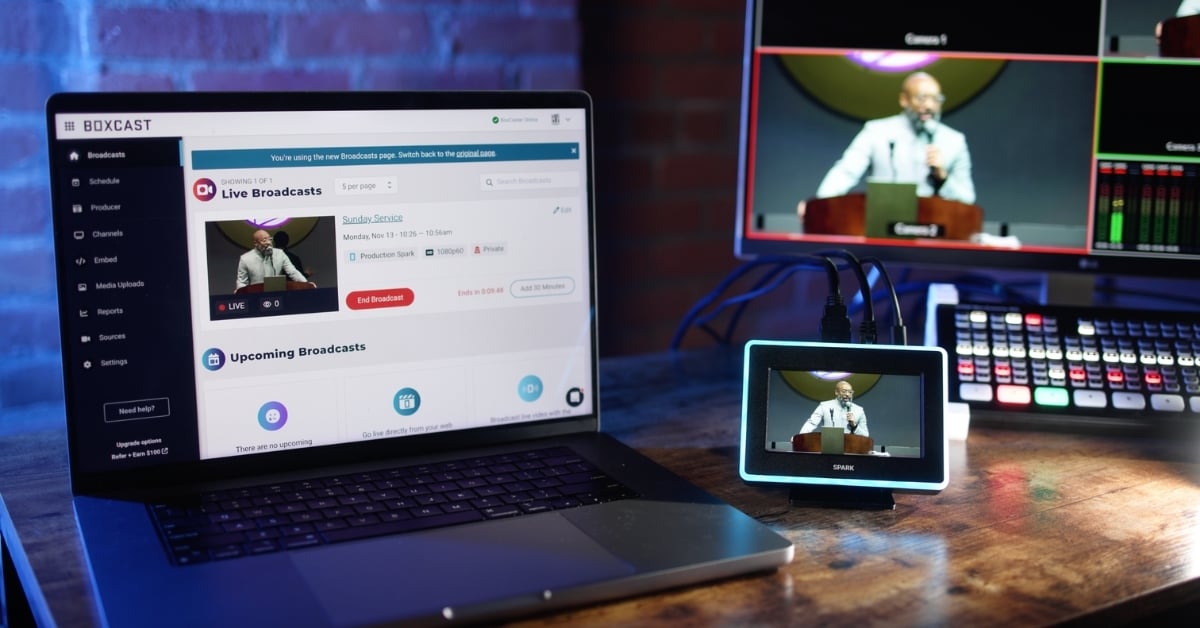
Maybe your church is looking to upgrade your live stream.
Or maybe you're exploring streaming for the first time.
Either way, you’ll probably end up typing something like “live streaming software for church” into Google or ChatGPT. From there, you’ll find a mix of options. Some built specifically for churches. Others are built for businesses of every shape and size.
So how do you actually evaluate the options you discover?
In this guide, we’ll walk through what to look for in church streaming software in 2026. This isn’t just a feature checklist. It’s a practical way to think about what actually matters for your ministry.
Scheduling
Sharing
Sources
Media
Analytics
Advanced Features
Support
Quality
Extra Goodies
Final Thoughts
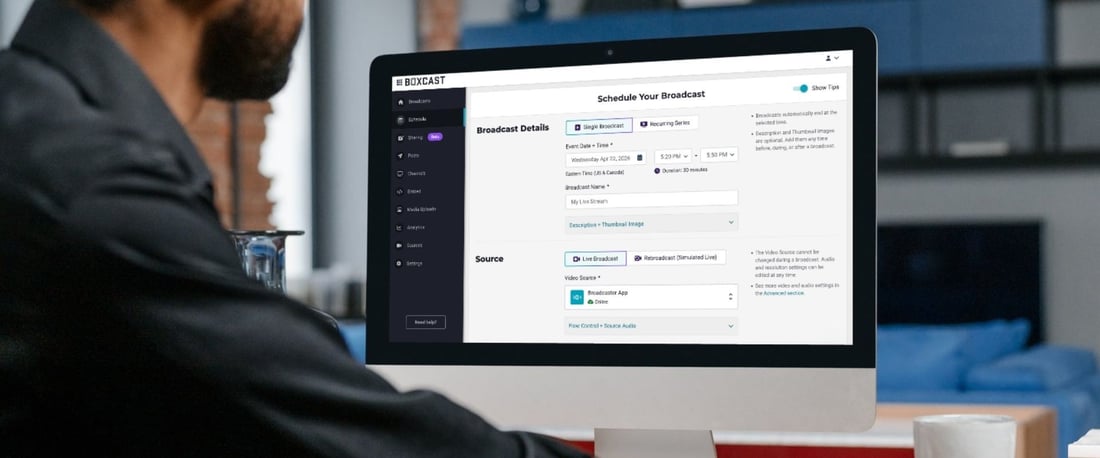
This is where everything starts.
At a basic level, your streaming software should let you schedule a one-time event, a recurring service, or even just a quick test. But what really matters is how much control you have inside each of those.
You’ll want to set things like the date and time, title, description, and thumbnail. You’ll want to choose your video source, decide if it’s live or simulated live, and determine where the stream goes. You’ll also want to control privacy. Some events should be public. Others might be private or password protected.
But for most churches, the real win is recurring scheduling.
If your service happens every Sunday at the same time, you shouldn’t have to rebuild it every week. Set it once, trust it, and move on to the fifty other things you’re responsible for.
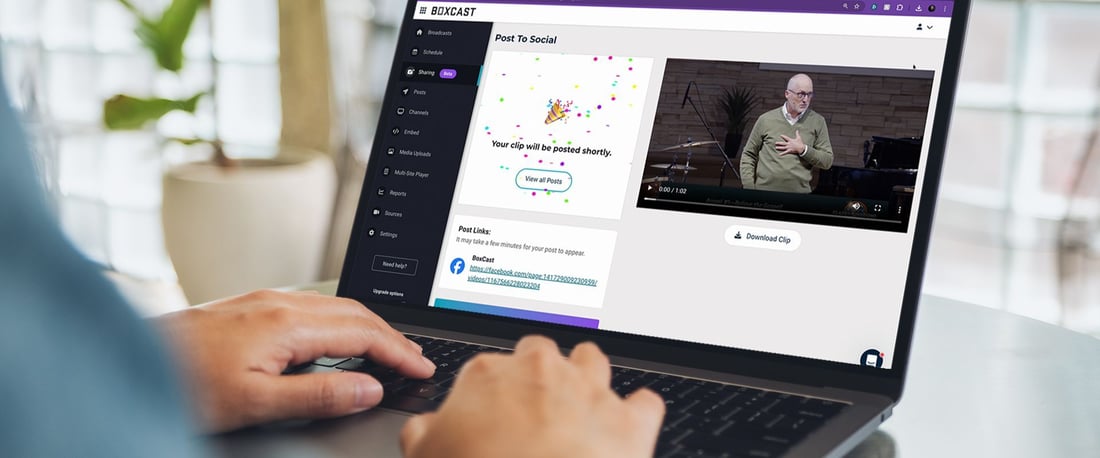
Your stream shouldn’t live in just one place anymore.
It lives on your website, sure. But it lives on social and might even live inside a church app, as well.
A good platform helps you send your stream wherever your people already are. That usually means your site, YouTube, and Facebook at a minimum. And ideally, you’re not managing all of those separately.
A great streaming software also helps you stay organized.
Sunday services are one thing. But then there’s youth nights, midweek gatherings, weddings, funerals, and everything in between. Over time, that adds up. Having a clean way to organize and present those moments in thoughtfully segmented channels matters more than you think.
And after the stream ends, your work isn’t done.
Being able to pull out a clip or highlight a moment from the message gives your content a second life. It helps people revisit what they heard. And it reaches people who never clicked “watch” in the first place.
Every church is a little different here.
Some have a full production setup with cameras, switchers, and a dedicated encoder. Others are running everything from a laptop. Some are streaming from a phone in a classroom down the hall.
Your streaming software should meet you where you are.
That means supporting dedicated hardware encoders if you have them. But it also means not requiring them. You should be able to stream from a browser or an app when needed, especially for events that don’t happen in your main space.
Flexibility here isn’t just nice to have. It’s what allows your streaming to grow beyond one room.
This is where things start to feel intentional.
It’s one thing to go live. It’s another thing to create a thoughtful experience.
Simple tools like adding a thumbnail, running a pre-service video, or overlaying lower thirds can make your stream feel more welcoming and more polished. Uploading a bulletin or worksheet can help people follow along from home.
None of this is flashy. But it adds up.
And over time, it communicates that your online audience matters just as much as the people in the room.
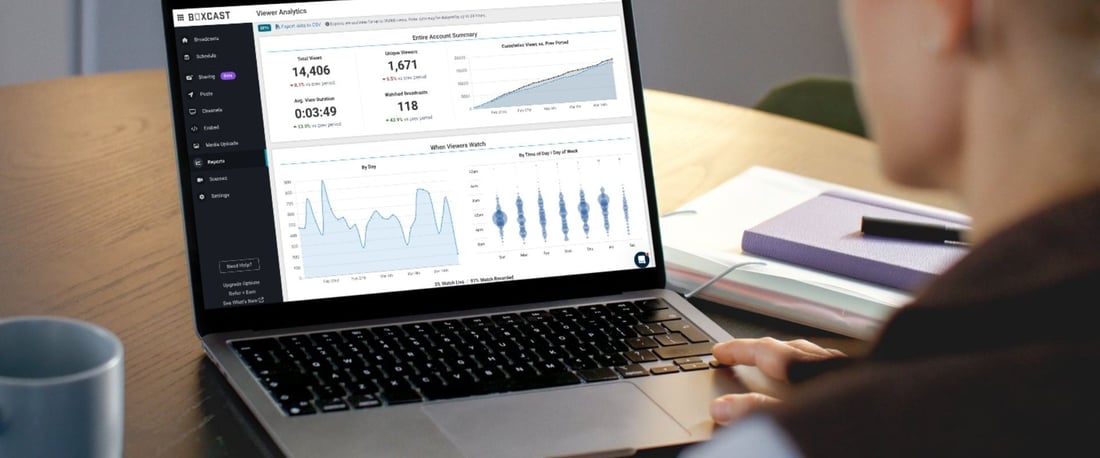
If you’re going to invest time and energy into streaming, you should know what’s happening on the other side.
How many people are watching? Are they staying for the whole service or dropping off early? Are they watching live, or coming back later in the week?
You can go deeper too. Things like device type, playback quality, and even where people are watching from geographically.
This isn’t about chasing numbers.
It’s about seeing the reach of your ministry in a way you couldn’t before. It’s about realizing that someone across the country, or across the world, is part of what’s happening on a Sunday morning in order to celebrate this ministries impact, but also use data to know how to make it better over time.
There are a lot of “extra” features out there. Some are helpful. Some you’ll never touch.
But a few are worth paying attention to.
Live captions and translation can open the door for more people to engage, especially if you’re located in a multiethnic community. Privacy controls let you handle sensitive events with care. Simulated live gives you flexibility when something can’t happen in real time.
If you host special events, things like ticketing or donations might matter too. And if you’re doing something like a sports camp or tournament, even something as simple as a scoreboard overlay can be useful.
You don’t need everything.
But the right features, used at the right time, can make a meaningful difference for the people you’re trying to reach.
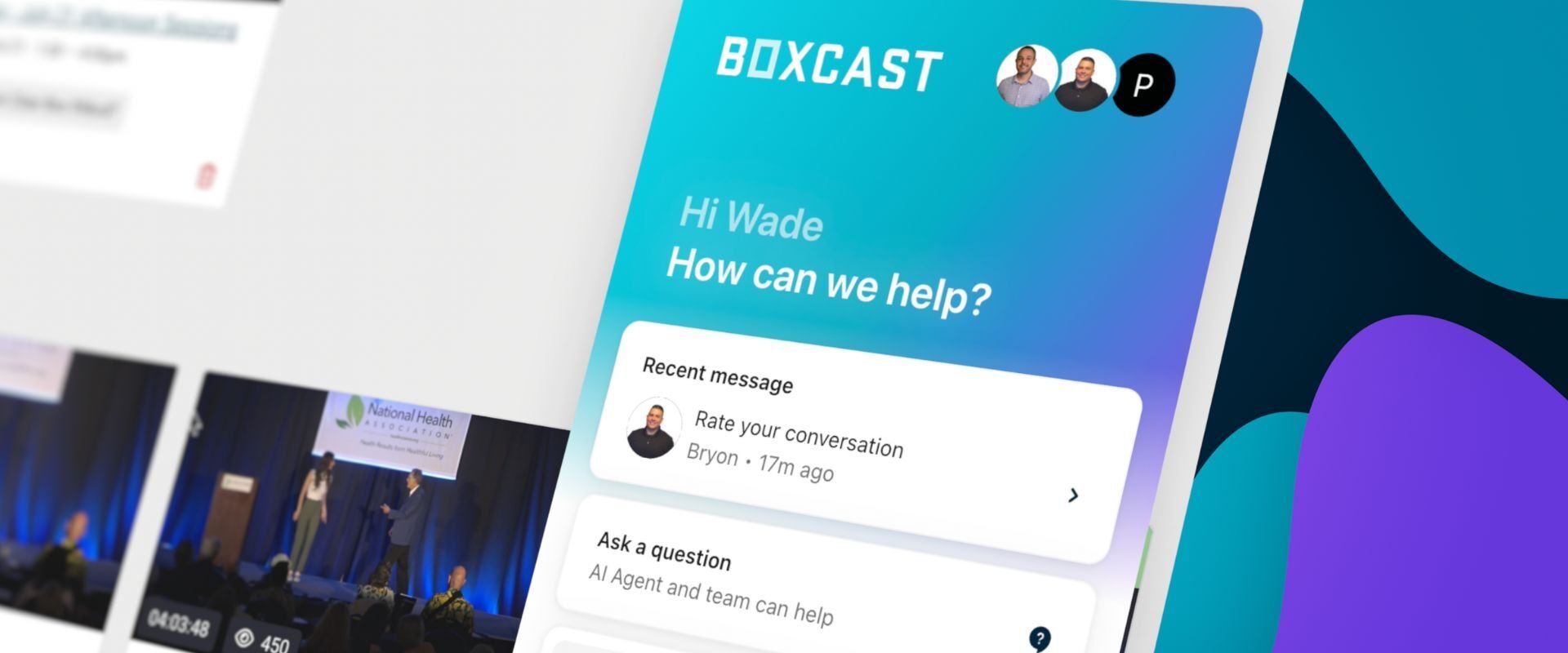
This might be the most underrated part of finding the best live streaming software for your church.
Because at some point, something won’t work the way you expected.
When that happens, you don’t want to dig through forums or wait days for an email reply. You want help. Quickly.
Look for a platform that offers real support. Chat, email, maybe even phone. And not just during the week, but on Sundays when it actually matters.
Good support doesn’t just solve problems. It gives you confidence. And that confidence goes a long way when you’re leading a service.
Most people start with resolution and frame rate.
1080p. Maybe even 4K. 60 frames per second adds a nice touch, as well.
These things matter. But they’re only part of the story pertaining to streaming quality.
What really matters is consistency and reliability when things go wrong.
Can your stream hold up when your internet isn’t perfect? Does the platform use technology that adapts to changing network conditions? Are you relying on a standard setup that requires network perfection, or something built to prioritize reliability even when packet loss occurs.
Things like codec support, cloud transcoding, and even a custom streaming protocol all play a role here. You might not think about them day to day, but they show up when it counts.
Because at the end of the day, a slightly lower resolution stream that never buffers is better than a perfect one that cuts out.
Some platforms stop at streaming.
Others try to support your ministry more holistically with adjacent technology.
That might look like an OTT app that houses your content in a Netflix or Disney+ style experience. It could additionally offer a website builder that helps you improve your online presence. Or even tools for remote audio production if you’re managing sound across locations.
You may not need all of this, but at the same time it could help boost your streaming ministry substantially.
So it’s worth paying attention to what’s included, even beyond streaming. Sometimes the “extras” end up solving problems you didn’t even realize you had.
Yeah, this list is a lot.
But this is one of those areas of ministry where giving half effort usually shows.
Streaming isn’t just a technical setup anymore. It’s a real part of how your church reaches people, serves people, and stays connected throughout the week.
So it’s worth slowing down and choosing a platform that actually supports that.
And if you want a way to check just about every box we talked through here, BoxCast was built for exactly this.
We’ve been serving churches since 2013, and we’d love to come alongside your ministry as you take your next step into streaming.
Thanks for reading, and regardless of whichever streaming software your church chooses, happy streaming!