



|
BoxCast Streaming BoxCast Flow BoxCast Spark Broadcaster App BoxCast Producer Third-Party Encoders |

|
BoxCast RemoteMix Compatible Mixers Mixing Station Works with BoxCast RemoteMix |

|
BoxCast OTT Apps |
|
|
BoxCast Streaming BoxCast Flow BoxCast Spark Broadcaster App BoxCast Producer Third-Party Encoders |
|
|
BoxCast RemoteMix Compatible Mixers Mixing Station Works with BoxCast RemoteMix |
|
|
BoxCast OTT Apps |
Church + House of Worship, Audio
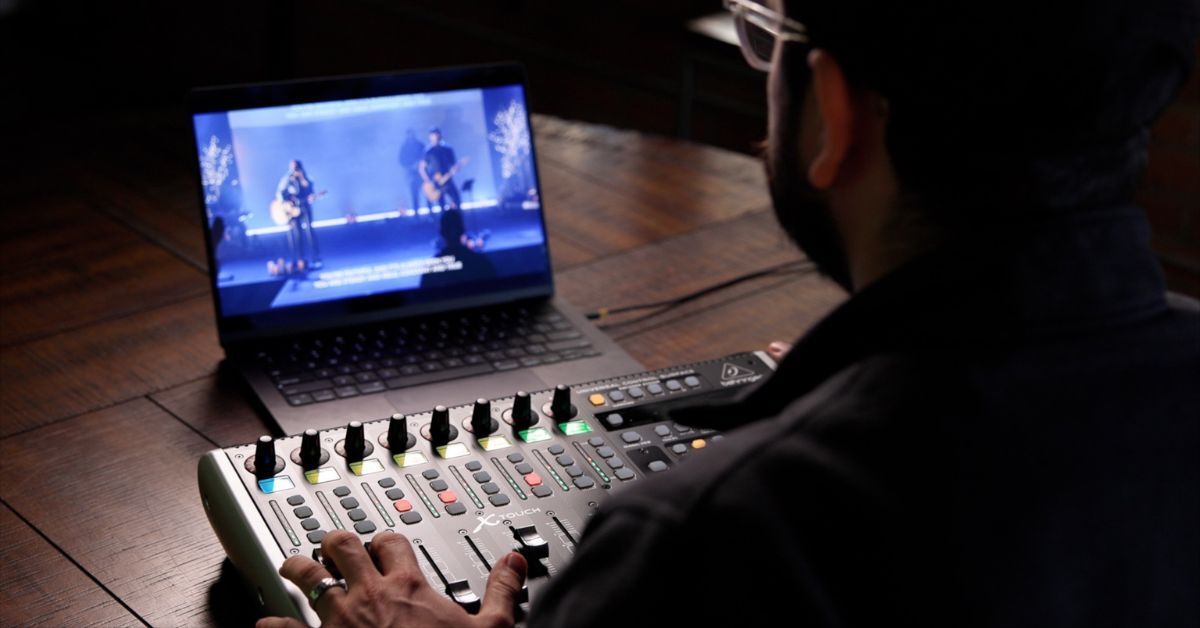
When churches talk about live streaming quality, video usually gets most of the attention. Cameras, lighting, and graphics matter, but audio plays a much bigger role in how people experience a service.
Clear, consistent sound builds trust. Poor audio distracts, frustrates viewers, and quietly pushes people away from the live stream.
The good news is that improving your church live streaming audio setup rarely starts with buying new gear. Most improvements come from listening better, understanding your space, and setting your team up to mix intentionally for live stream audio, not just the room.
Here’s how to approach church live streaming audio in a way that actually works.
Ask Regular Listeners for Honest Feedback
Check In with Speakers and Musicians
Understand How Your Room Shapes Sound
Evaluate Your Audio Team Fairly
Split Your Mix for House and Live Stream
Final Thoughts
One of the most overlooked steps in improving church audio in general is simply asking the right people how things sound.
Start with regular online viewers who have a basic understanding of music or audio. Ask people who watch on different devices and who listen via speakers or through earbuds. Encourage them to be as specific as possible, and to not be afraid of hurting your feelings. Chances are they’ll have something enlightening to say.
While you’re at it, consider also asking regular in person attendees who have a basic understanding of music or audio. Ask people who sit in different parts of the sanctuary, as well, as sound changes dramatically depending on where someone settles in, especially in larger rooms.
Beyond feedback that comes to mind from previous experiences, encourage anyone who’s willing to take notes during upcoming services. Ask what feels clear, what feels muddy, and what feels too loud or too quiet. This creates a real world audit of how your service sounds when the room is full, not how it sounds during rehearsal or soundcheck.
Your speakers and performers experience your audio system differently than your audience.
Ask pastors, vocalists, and musicians about how their monitoring setup feels. Some may use in-ear monitors (IEMs), while others rely on wedges or side fills. If someone struggles to hear themselves or others, they often compensate by speaking louder or playing harder.
That creates a chain reaction that impacts the entire mix, both for online and in person participants.
Simple conversations can uncover issues like uneven monitor mixes, missing elements, or inconsistent levels. Fixing those problems often leads to a calmer stage volume and a cleaner front of house and live stream mix.
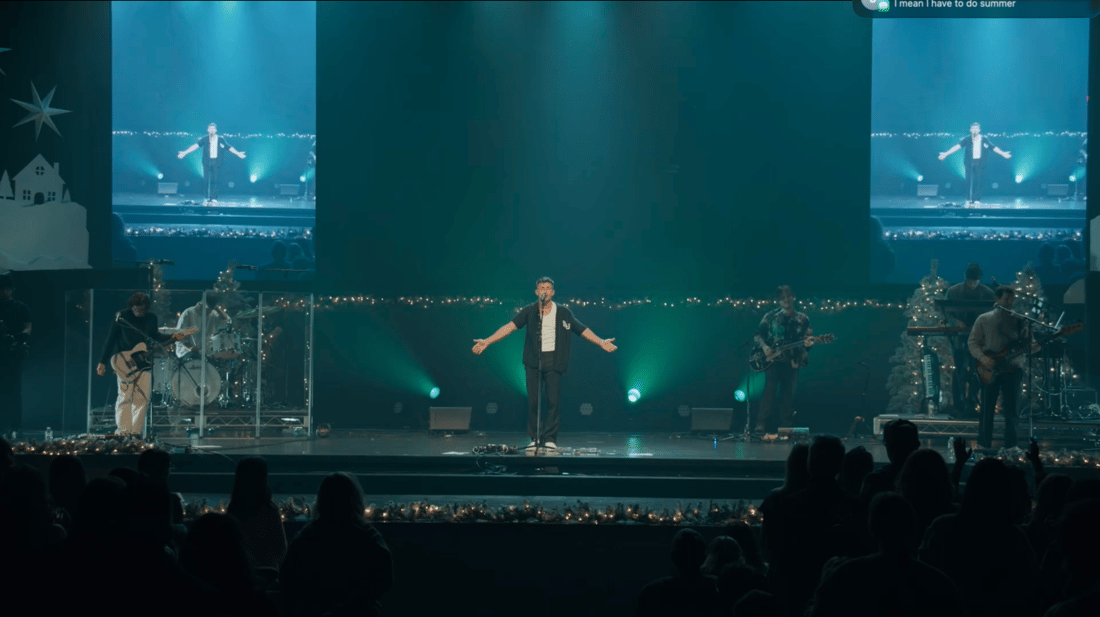
Every room has a personality, and your sanctuary shapes your sound more than most people realize.
Take an honest look at the space. Ceiling height, square footage, windows, seating material, flooring, and how many people attend on a typical Sunday all affect how sound behaves.
You can even use AI tools to help analyze this. Share details like room dimensions, surfaces, and attendance patterns to identify acoustic challenges and expectations for that space. Uploading a few pictures will also help you get more specific feedback.
You would mix differently at an outdoor venue like Red Rocks because the environment demands it. Your church has the same kind of uniqueness, even if it feels familiar. Understanding how sound reflects, absorbs, and travels in your room helps you mix with intention instead of frustration. This, again, will benefit how you mix for online and in-person listeners.
Audio quality often comes down to the person behind the board. That’s just reality.
This step requires gratitude and encouragement, so as to not hurt the feelings of those who give their time to help out. So carefully ask your volunteers and staff what parts of the mixer they feel confident adjusting and which areas they avoid. Some people live on faders but never touch EQ or dynamics. Others hesitate to adjust important buses, like your live stream mix.
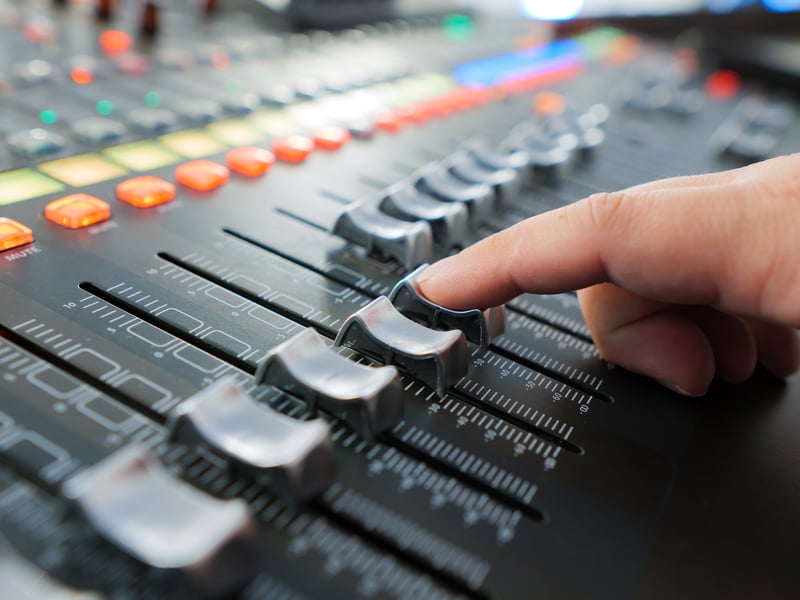
This information matters, and is often one of the quickest ways to identify how you can improve your live stream mix.
If your team avoids certain tools, your mix reflects that gap. Identifying comfort levels opens the door for targeted training sessions that help your team grow without pressure or embarrassment.
Strong church audio teams get better through regular check-ins, continual training, and repetition.
Here’s the most important tip for improving church live streaming audio: your in person service and your live stream live in completely different listening environments.
People in the room hear sound in open air inside a physical space. Online viewers listen through phones, laptops, smart TVs, and earbuds. Those environments demand different mixing decisions.
That’s why a dedicated front of house mix and a separate live stream bus matter. Each mix deserves focused attention, and ideally, someone monitoring how it sounds in real time.
This can feel challenging when teams are small. Mixing for both environments at once often requires two people, and ideally, a way to monitor and adjust your online mix without standing in a loud worship space.
This is where digital mixers shine. Digital consoles allow remote control, which makes it possible for someone off site, snowed in, traveling, or acting as backup to support the live stream mix.
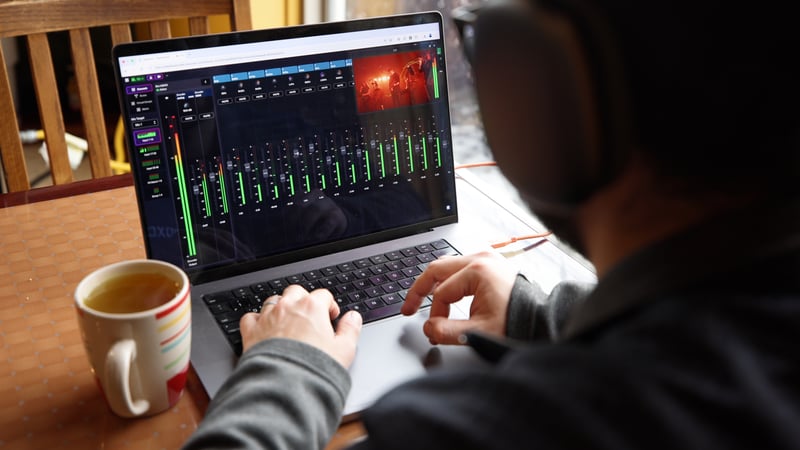
Tools like BoxCast RemoteMix allow engineers to control a digital mixer from anywhere. Mixing the live stream from a quiet environment mirrors how online viewers actually listen, which leads to clearer and more consistent results.
Great church live streaming audio rarely comes from buying more gear.
It comes from listening to online viewers, understanding how your room affects what gets sent to the stream, and building a mixing approach that’s designed specifically for people who aren’t in the room.
Too many churches mix for the sanctuary first and hope the live stream works out. Clear, consistent online audio usually requires the opposite mindset. The live stream has its own listening environment, its own challenges, and its own expectations.
Once that shift happens, the right tools make a meaningful difference. Digital mixers and remote control workflows give teams the flexibility to mix the live stream from a quiet, controlled environment that matches how online viewers actually listen.
When churches treat live stream audio as its own experience instead of an afterthought, engagement improves, trust grows, and fewer people quietly tune out.