Mix Live Audio from Anywhere
Run professional live mixes from any location without being physically tied to a console or venue.

VIDEO
Products
Streaming
Deliver flawless live video to any audience, anywhere
OTT Apps
Launch and monetize your own branded TV & mobile apps
Spark Encoder
Tap into hardware encoding that's compact and powerful
Broadcaster App
Go live straight from your phone or tablet with studio-quality control
Features
BoxCast Flow
Ensures smooth playback even on shaky networks
Sharing
Instantly clip, share, and amplify your broadcasts
Producer
Create professional streams right from your browser
Third-Party Encoders
Use the gear you love with our support of RTMP and SRT
AUDIO
Mixing Station Anywhere
Control your digital mixer in real time from anywhere
Mixing Station Web
Mix, manage, and monitor live audio in a browser from anywhere
Compatible Mixers
Connect your digital mixer to Mixing Station and Mixing Station Web
INDUSTRIES
House of Worship
Reach and engage your congregation wherever they worship
Sports
Stream games with professional quality for fans everywhere
Local Government
Bring transparency and connection to your community broadcasts
Business
Power your corporate events, webinars, and live streams
LEARN
Blog
Insights, trends, and tips for the audio/video community
Tech Tips
Quick how-tos and deep dives on the latest streaming technology
Guides
Essential tips and expert strategies to expand your reach
Newsletter
Stay up to date with product news, best practices, and more
Podcast
Hear stories and strategies from our customers and experts
DISCOVER
Customer Stories
Explore real-world success stories to inspire your organization
Events
Join us at an upcoming conference and meet with our team
Webinars
Get all the details and register for our next live webinar
About Us
Discover our company's mission, values, and team story
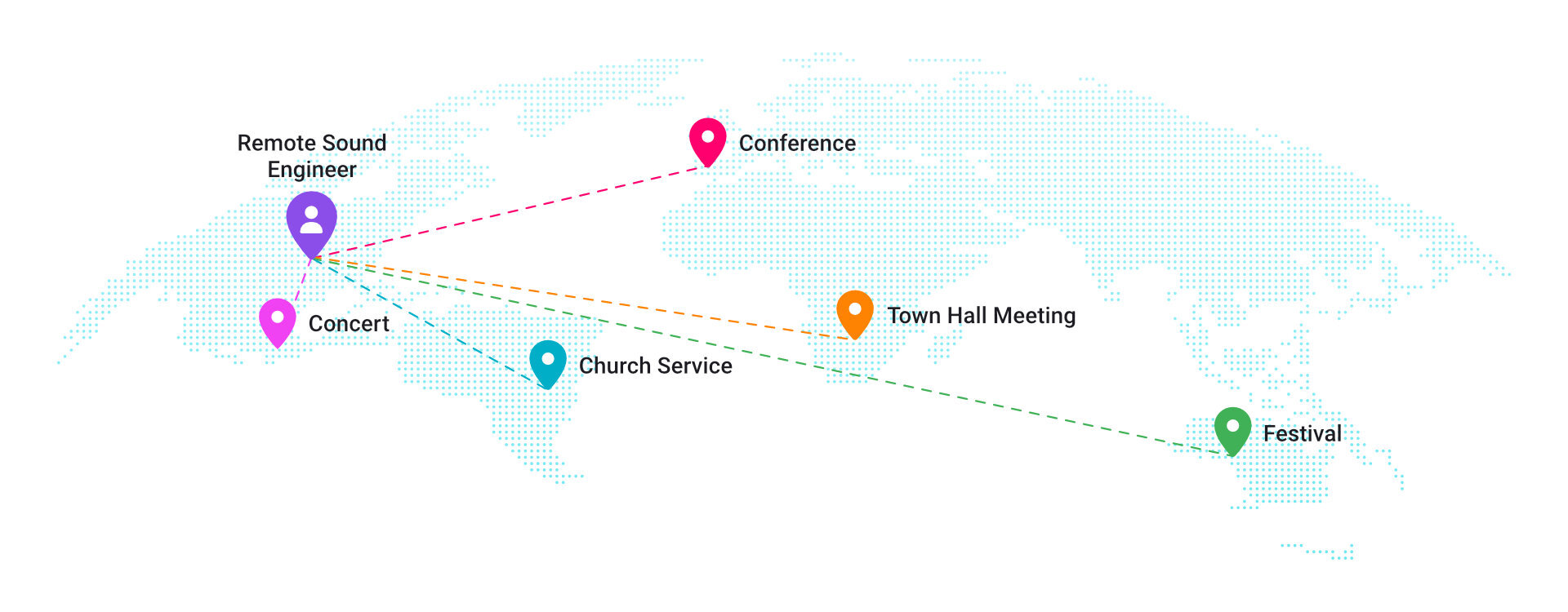
Run professional live mixes from any location without being physically tied to a console or venue.

Support more shows, venues, and artists using the same engineering team, without additional on-site staffing.
Designed for the reliability, latency, and workflows required in professional live sound, not remote desktop hacks .

Create and manage a dedicated audio mix specifically for streaming and recording.
Remotely tune, optimize, and troubleshoot installed audio systems.
Offer mixing as a recurring service instead of one-off event labor.
Build scenes and prepare mixes in advance without being at the venue.
Handle artist monitor mixes remotely while FOH focuses on the room.
Centralize audio control and support across many locations from one team.
Continue working professionally without needing to be physically present at events.
Step in instantly if the primary on site engineer loses access or encounters an issue.
Diagnose and resolve live system issues remotely on deployed consoles.
Train engineers or volunteers remotely while monitoring and adjusting live mixes.
Support shows across multiple venues and cities without constant travel.
Monitor mix consistency across shows without directly controlling the console.
Mix live shows remotely without being physically tied to a console.
Provider professional audio mixing without needing a full time on site engineer.
Support multiple stages remotely without staffing an engineer at every console.
Access senior level audio expertise without the cost of permanent staff.
Bring professional mixing to locations that cannot attract experienced engineers.
Support events worldwide while maintaining normal working hours.
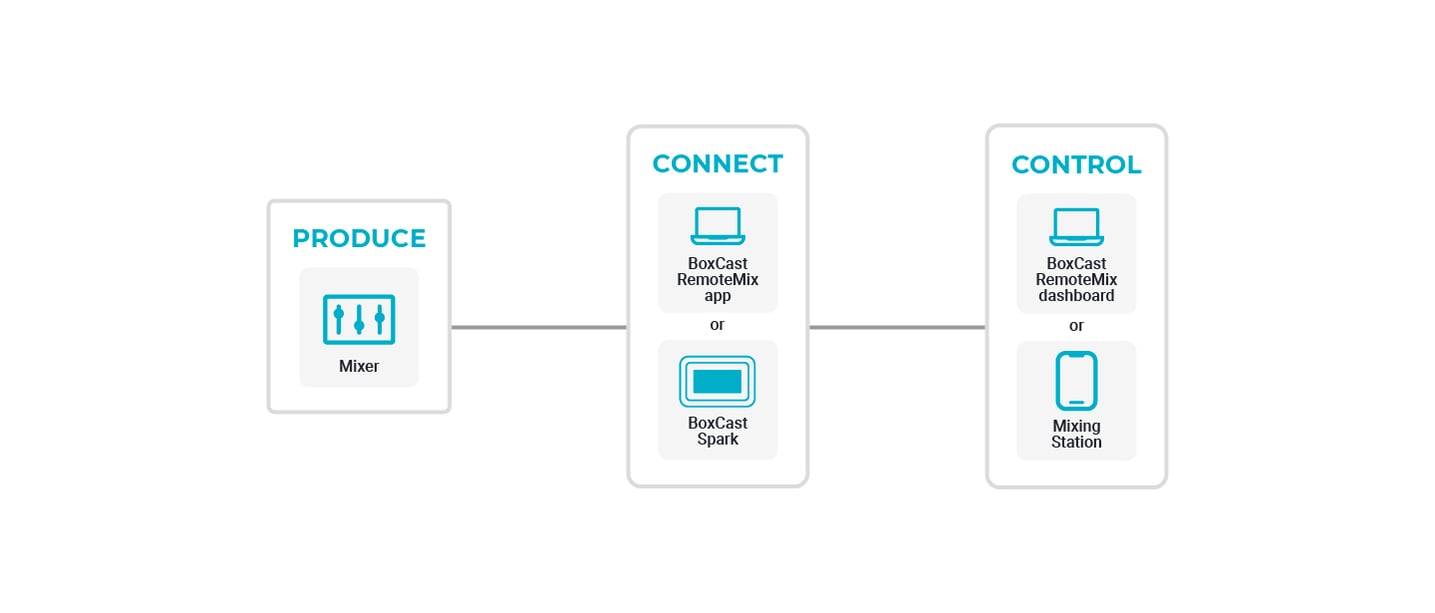
The agent serves as a secure bridge between your digital mixing console and Mixing Station Anywhere in the cloud for real-time live mixing, monitoring, and remote control.
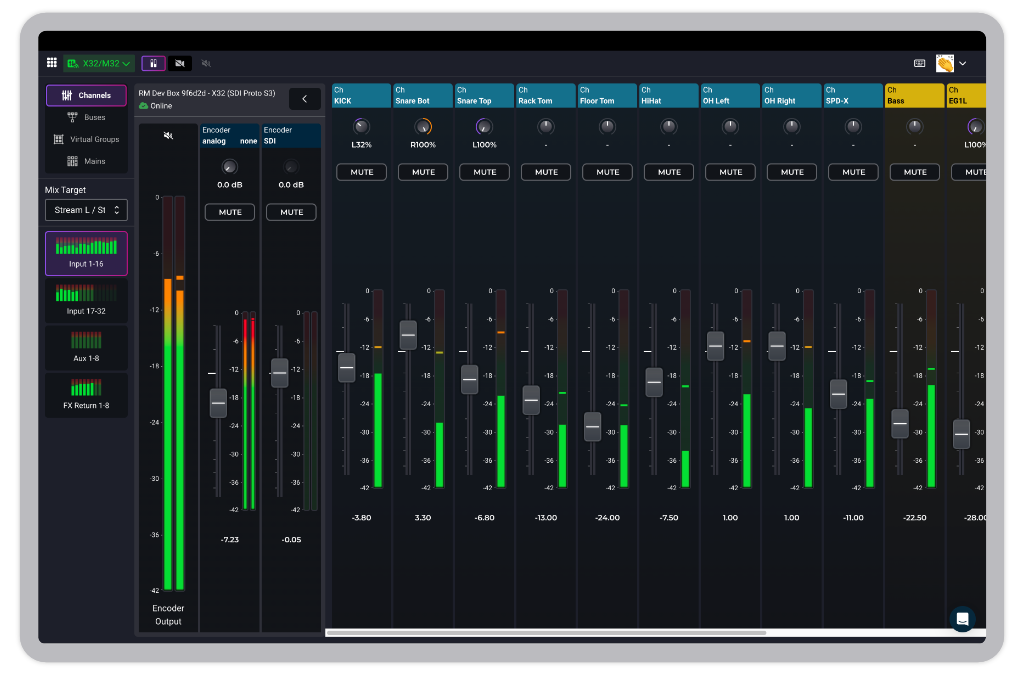
Mix live audio from your web browser, no download necessary. Access your digital mixer through an intuitive interface to control your console from anywhere.
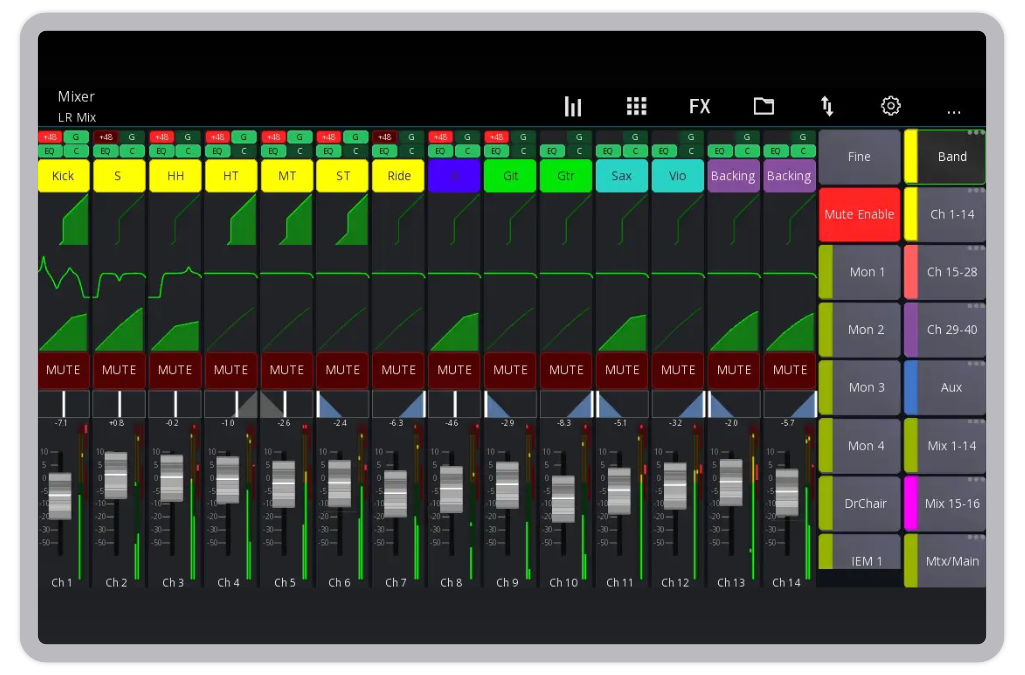
With Mixing Station Anywhere, your favorite mixing app is no longer tethered to the local network. Access the same features and intuitive interface you use on-site to control your mixer remotely from anywhere.
Control adjustments typically respond within 30ms plus your standard ping time. Audio feeds require an additional 300–800ms of latency, while video feeds range between 500–1300ms, depending on network jitter and the processing speed of your agent and client devices.
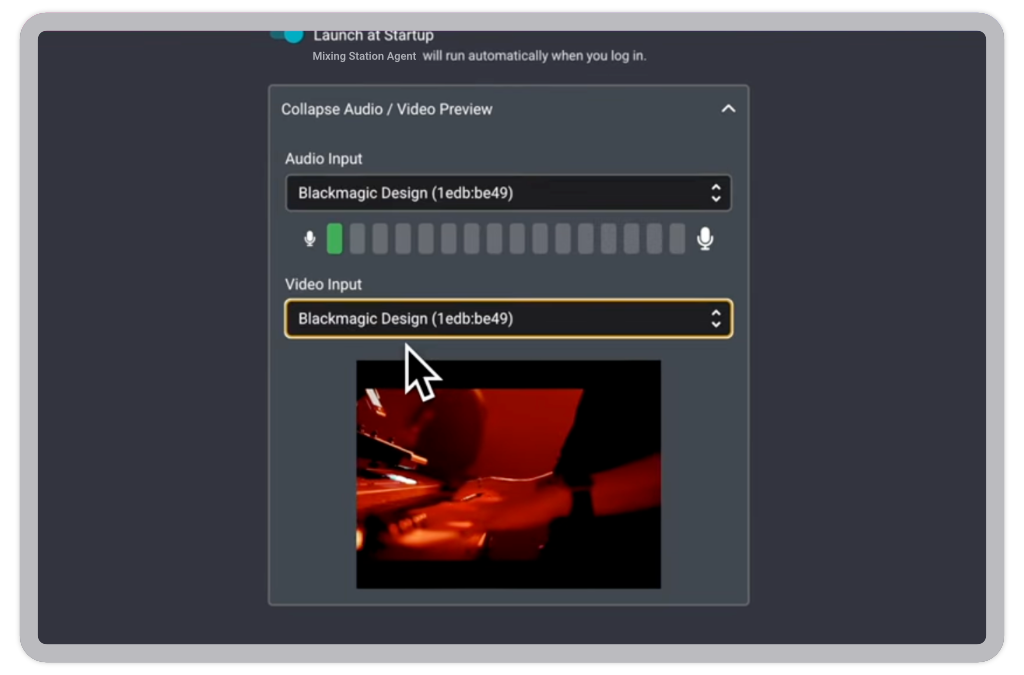
You have to download the Mixing Station Agent onto a computer that’s on the same network as your mixer. You’ll send a feed from your mixer to the computer that the agent is running on, and optionally a video feed as well. Then you just let it run and do its thing! You don’t have to download anything onto the computer that you’ll be doing the mixing from – Mixing Station Web works from a browser.
To access Mixing Station Anywhere and have the ability to mix remotely you must have a Mixing Station Subscription. Sign up for the “Everything Pack” subscription from the Mixing Station website or app, and we’ll walk you through how to set everything up from there.
There aren’t too many, we list them all in our support article.