Mix + Control Live Audio from the Browser
Run live mixes, adjust levels, and manage consoles directly from a modern web interface without installing software.
VIDEO
Products
Streaming
Deliver flawless live video to any audience, anywhere
OTT Apps
Launch and monetize your own branded TV & mobile apps
Spark Encoder
Tap into hardware encoding that's compact and powerful
Broadcaster App
Go live straight from your phone or tablet with studio-quality control
Features
BoxCast Flow
Ensures smooth playback even on shaky networks
Sharing
Instantly clip, share, and amplify your broadcasts
Producer
Create professional streams right from your browser
Third-Party Encoders
Use the gear you love with our support of RTMP and SRT
AUDIO
Mixing Station Anywhere
Control your digital mixer in real time from anywhere
Mixing Station Web
Mix, manage, and monitor live audio in a browser from anywhere
Compatible Mixers
Connect your digital mixer to Mixing Station and Mixing Station Web
INDUSTRIES
House of Worship
Reach and engage your congregation wherever they worship
Sports
Stream games with professional quality for fans everywhere
Local Government
Bring transparency and connection to your community broadcasts
Business
Power your corporate events, webinars, and live streams
LEARN
Blog
Insights, trends, and tips for the audio/video community
Tech Tips
Quick how-tos and deep dives on the latest streaming technology
Guides
Essential tips and expert strategies to expand your reach
Newsletter
Stay up to date with product news, best practices, and more
Podcast
Hear stories and strategies from our customers and experts
DISCOVER
Customer Stories
Explore real-world success stories to inspire your organization
Events
Join us at an upcoming conference and meet with our team
Webinars
Get all the details and register for our next live webinar
About Us
Discover our company's mission, values, and team story
Run live mixes, adjust levels, and manage consoles directly from a modern web interface without installing software.
Access, organize, and manage your mixes, scenes, and consoles in a single space across shows, venues, and teams.
Designed specifically for real-world live audio with responsive control, reliability, and professional-grade workflows.
Designed for audio engineers, but intuitive for volunteers. Our user-friendly interface is flexible enough for a pro to master the perfect mix, or a volunteer to learn and grow with.
With Mixing Station Web, all of your adjustments happen on your console instantly. You don’t have to worry about any delay.
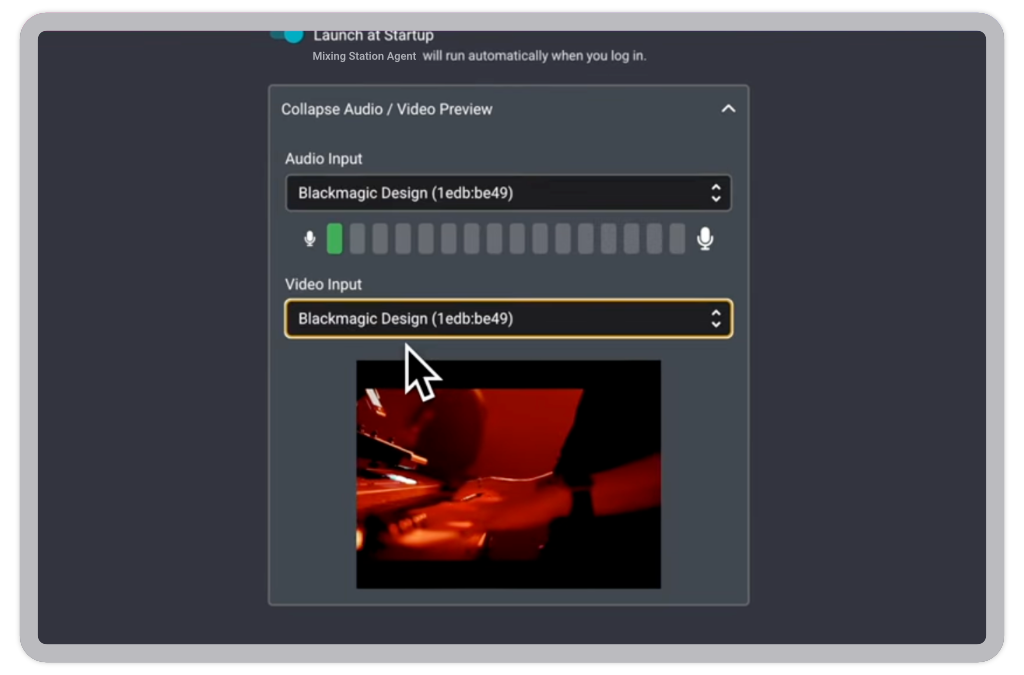
Enjoy an instant video preview while mixing your live stream in a quiet setting. With video giving you full visibility, your mix changes can keep up with what’s happening live. Mute or unmute channels seamlessly and make on-the-fly adjustments — from anywhere.
See and hear your live stream with ultra-low latency (750ms-2s delay), empowering you to make precise, proactive audio adjustments.
Anticipate changes like mic transitions or band cues by seeing the action unfold, ensuring your audio is always perfectly timed.
Pop out and resize your video preview, or open it in a new tab, giving you complete control over how you monitor your mix in near real-time.
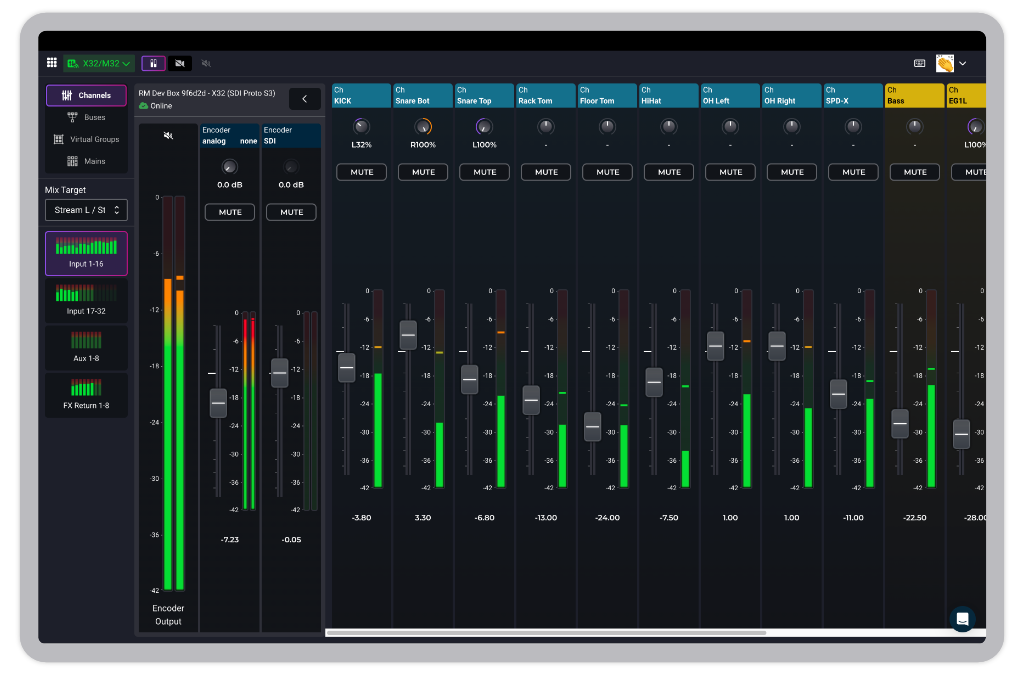
Group channels together and control them with a single fader, making complex mixes simple and intuitive.
Organize your remote channels your way without affecting the main mixer's settings or the in-house sound engineer's workflow.
Adjust entire sections like "Vocals" while maintaining their relative levels, giving precise command over your live stream's audio.
Set optimal preamp gain from afar, amplifying signals cleanly and leaving plenty of room for fader adjustments for a clear sound.
Gain remote access to your mixer's channel processing tools like EQ, compression, and gating.
Dedicated Mixer Mode: Perfect for setups where the mixer is dedicated to the live stream. Your operator has full control of every channel, ensuring nothing is off-limits.
Shared Mixer Mode: Ideal when one mixer serves both in-house and live stream. Restrict access to a Mix Target to prevent accidental changes.
Add a quick PIN to protect your connected mixers from unauthorized adjustments, ensuring only the right people have control.
Give volunteers or less experienced users access to your account without worrying about altering critical mixer settings.
Essential for multi-user accounts, PIN entry keeps your audio safe and sound, even with broad team access.
For the best Mixing Station Web experience, we recommend using Google Chrome. Other browsers may not work as expected.
We do, through MIDI Controllers. Currently we offer support for the XTouch (Mini, Compact & Extender). Later, we plan to add functionality for both Wing & Faderport.
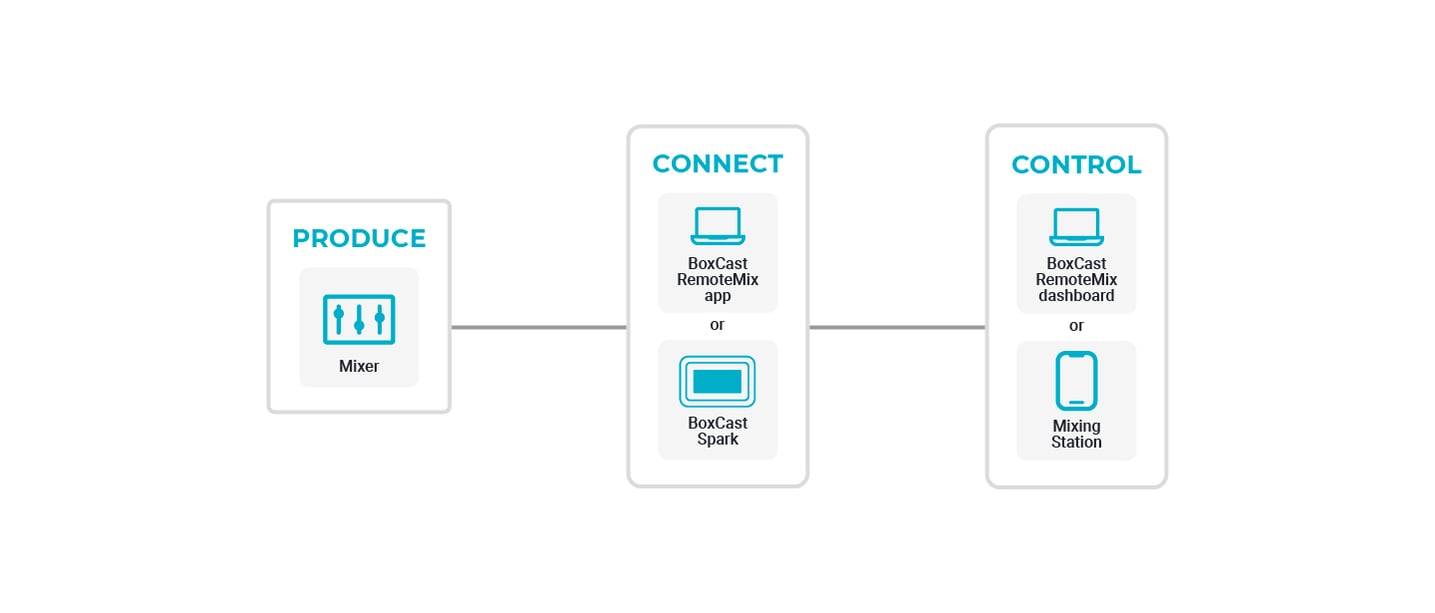
You’ll need to download the Mixing Station Agent, to connect your mixer to the cloud. But you don’t need to download anything onto the computer you’ll be mixing from, as Mixing Station Web works right from your browser.
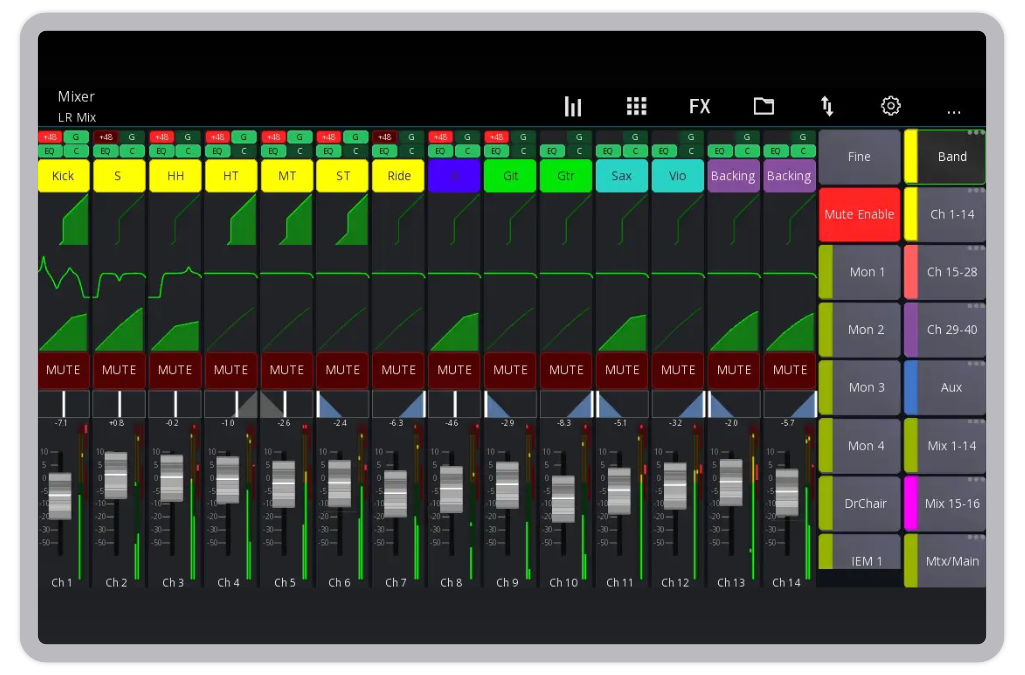
We recommend mixing from a desktop, laptop, or tablet, if you’re using our web interface. If you’d like to mix from your phone, we recommend mixing from the Mixing Station app instead. Learn how →
Sep 11, 2025 by Brett Bzdafka
To some, mixing seems straightforward: set levels, balance a few channels, and call it a day. But...
Jun 17, 2025 by Brett Bzdafka
Controlling your digital mixer from anywhere may almost sound too good to be true.
After all, it’s...
Jun 12, 2025 by Brett Bzdafka
Jun 10, 2025 by Brett Bzdafka
If you're looking for a better, more effective way to train others on your team to mix audio like a...