



|
BoxCast Streaming BoxCast Flow BoxCast Spark Broadcaster App BoxCast Producer Third-Party Encoders |

|
BoxCast RemoteMix Compatible Mixers Mixing Station Works with BoxCast RemoteMix |

|
BoxCast OTT Apps |
|
|
BoxCast Streaming BoxCast Flow BoxCast Spark Broadcaster App BoxCast Producer Third-Party Encoders |
|
|
BoxCast RemoteMix Compatible Mixers Mixing Station Works with BoxCast RemoteMix |
|
|
BoxCast OTT Apps |
Broadcasting, Live Streaming Hardware
If you’re shopping for a live video streaming encoder with SDI compatibility, you’re probably already a little further along than a beginner. With that in mind, this isn’t a buying checklist.
Instead, think of this as a set of practical considerations to keep in mind as you evaluate encoder SDI options, so you don’t accidentally box yourself into a setup that’s hard to grow, hard to manage, or harder to use than you expected.
You might not be 12-G yet…
You’ll mostly stream from one venue…
HDMI isn’t really an option…
You’ll be the one using it most of the time…
Final Thoughts
Many teams start with SD-SDI, HD-SDI, or 3G-SDI and assume that’s all they’ll ever need, at least for a long while. Most of the time, that assumption holds up. Until it doesn’t.
4K30 broadcasting requires 6G-SDI, and 4K60 requires 12G-SDI. As camera capabilities continue to move forward, those requirements tend to sneak up faster than expected.
Your encoder will almost always outlive your camera setup. Because of that, it’s worth thinking about future proofing on the encoder side, even if your current cameras don’t demand it yet.
A more capable encoder lets you evolve gradually. You might add one higher end camera at a time, mix resolutions for a while, or test new workflows without needing to replace core hardware right away.
It’s easy to design your entire setup around a primary space. Camera placement, switcher location, audio, and encoder position often lead to a few long SDI runs that fit that venue perfectly.
Distance is one of SDI’s biggest advantages, and long cable runs are often necessary in large venues. But eventually, most teams find themselves streaming from somewhere else.
Smaller rooms or temporary setups usually don’t need hundreds of feet of cabling. Running a 300 foot cable in a 20 foot space creates clutter, stress points, and unnecessary wear. You also don’t have to worry about these cables becoming unplugged or failing as easily as HDMI runs. Once you’re locked in an SDI connector into your inputs and outputs, your signals stay connected and secure.
Having shorter standby SDI cables makes setups faster, cleaner, and less intimidating, especially for volunteers or staff who aren’t used to handling large cable runs.
It also means you don’t have to tear down your primary setup just to borrow cabling, then rewind everything and rebuild later. SDI is durable and forgiving, but thoughtful, pre prepared cable management with correct sizing pays off quickly.
If you’ve done even a little research, you already know SDI capable encoders are almost always more expensive than HDMI only options. Sometimes dramatically so. In fact, any production equipment that’s SDI capable tends to be more expensive than their HDMI counterparts.
It’s not unusual to see price differences in the 5 to 10 times range. That can mean spending anywhere from $3,000 to $5,000, or even closer to $10,000, on a single encoder.
For some teams, that price is completely acceptable given their needs and budget. There’s nothing wrong with that.
For others, it’s worth pausing to ask yourself a simple question — “If I chose a $500 to $1,000 HDMI encoder instead, what could I do with the remaining budget?”
In some cases, using HDMI and reinvesting the savings into a better switcher, additional cameras, or audio upgrades creates more overall production value than SDI alone. It depends on your existing gear and priorities, but it’s a question worth asking before you pull the trigger on such a large purchase.
For further reading on the pros and cons of streaming with an HDMI vs. SDI Encoder, check out this blog.
Most encoders accomplish the same core task, but they’re not all equal when it comes to setup, daily operation, or troubleshooting, even if they’re more on the expensive side.
Some SDI encoders assume a highly technical operator who understands every menu, codec setting, and network nuance. That works well when that person is always available.
Problems tend to show up when the power user is sick, on vacation, or no longer on staff. At that point, complexity becomes risk.
A good encoder should be usable by more than one person without fear of breaking the stream. Clear feedback, intuitive controls, and fast diagnostics matter just as much as technical specs when you’re live.
We’ve been building hardware encoders since before we officially launched in 2013. Today, our users fire up more than 10,000 broadcasts every week, which gives us a massive amount of real world data about what works and what causes friction in live environments.
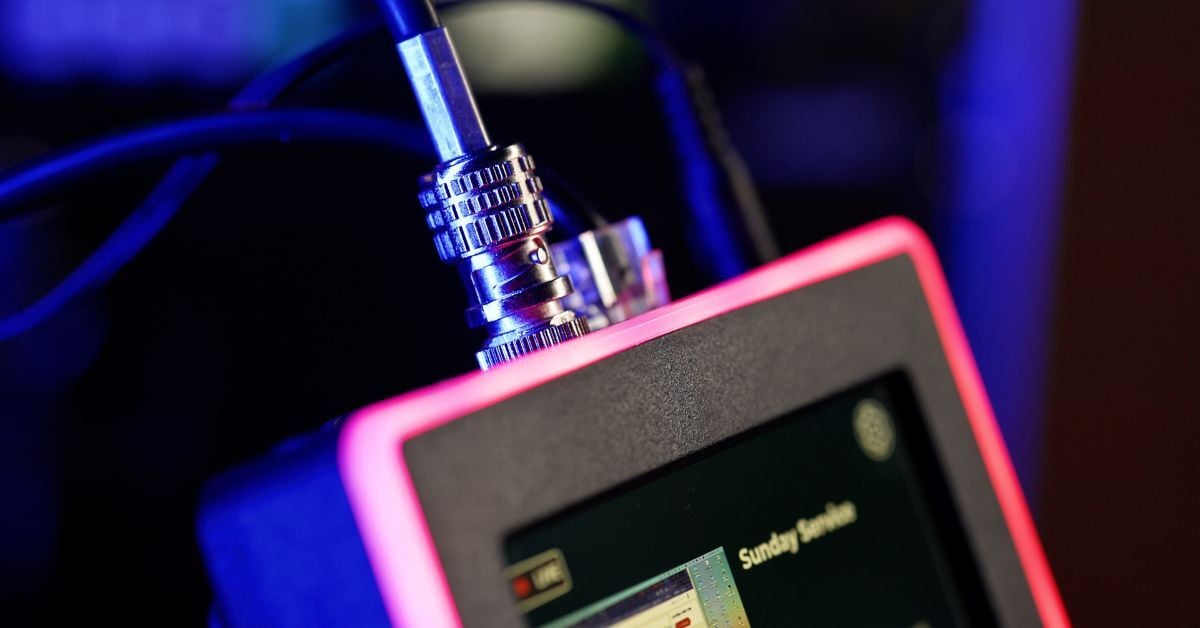
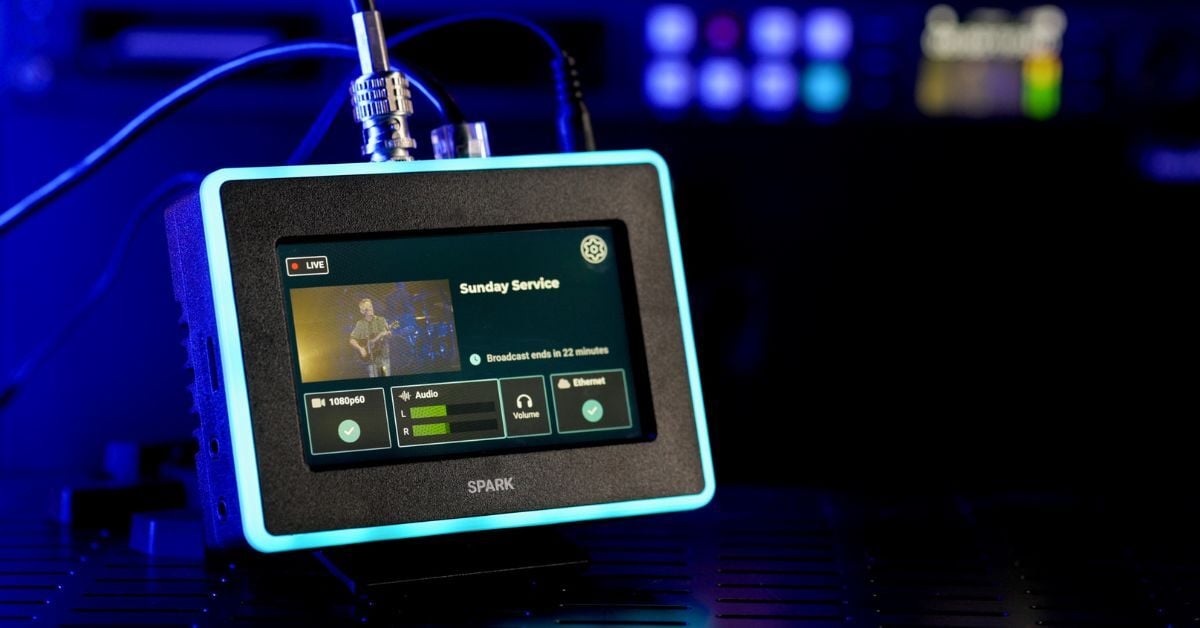
Each iteration of our hardware over the years has improved based on that experience, most recently with our SDI Spark encoder. It supports SDI while still prioritizing usability, approachability, and pricing that makes sense for virtually any team.
Features like a touchscreen interface, clear LED status indicators, built in speed tests, and simple audio controls are there to reduce friction, not add complexity.
Our goal with Spark was straightforward. Deliver 12G-SDI capability and reliability without a five figure price tag or a steep learning curve. So if you’re still in the research phase, feel free to check out our SDI encoder below.


