



|
BoxCast Streaming BoxCast Flow BoxCast Spark Broadcaster App BoxCast Producer Third-Party Encoders |

|
BoxCast RemoteMix Compatible Mixers Mixing Station Works with BoxCast RemoteMix |

|
BoxCast OTT Apps |
|
|
BoxCast Streaming BoxCast Flow BoxCast Spark Broadcaster App BoxCast Producer Third-Party Encoders |
|
|
BoxCast RemoteMix Compatible Mixers Mixing Station Works with BoxCast RemoteMix |
|
|
BoxCast OTT Apps |
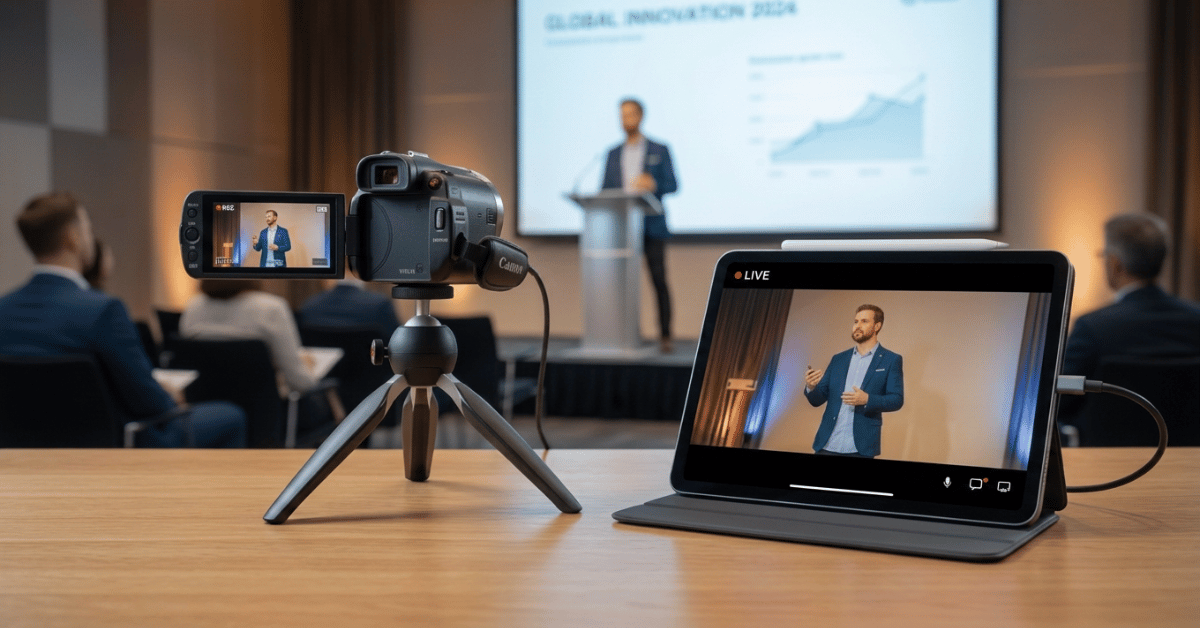
Live video streaming has gotten to a point where there's really no room for compromise. Whether you've been broadcasting for over a decade or you're brand new to the game, you want both excellence and ease of use, and you don't want to hear that you have to pick one.
Take a look around. Video rules our world. From YouTube and Instagram to TikTok and Netflix, quality video content isn't just produced professionally, it's presented at a level that's become the baseline expectation for anyone watching a screen.
Hitting that same 1080p or 4K bar for your own live stream takes real technical muscle. Encoding, protocol, compression, transcoding, and audio production all factor into making a broadcast look and sound good.
But most people don't have the time or interest in taking a few graduate-level courses on streaming just to figure out the technical ins and outs. It has to be top-tier in quality, but it also has to be practical and friendly enough for a volunteer to run, giving you great technical outcomes without a mountain of technical complexity to climb first.
So whether you're a church, a business, or something in between, and you're sizing up the best streaming solution for your organization in today's world, this list will point you in the right direction.
Use a Browser or Phone
Use an Open Source Software
Use a Professional Service
Final Thoughts
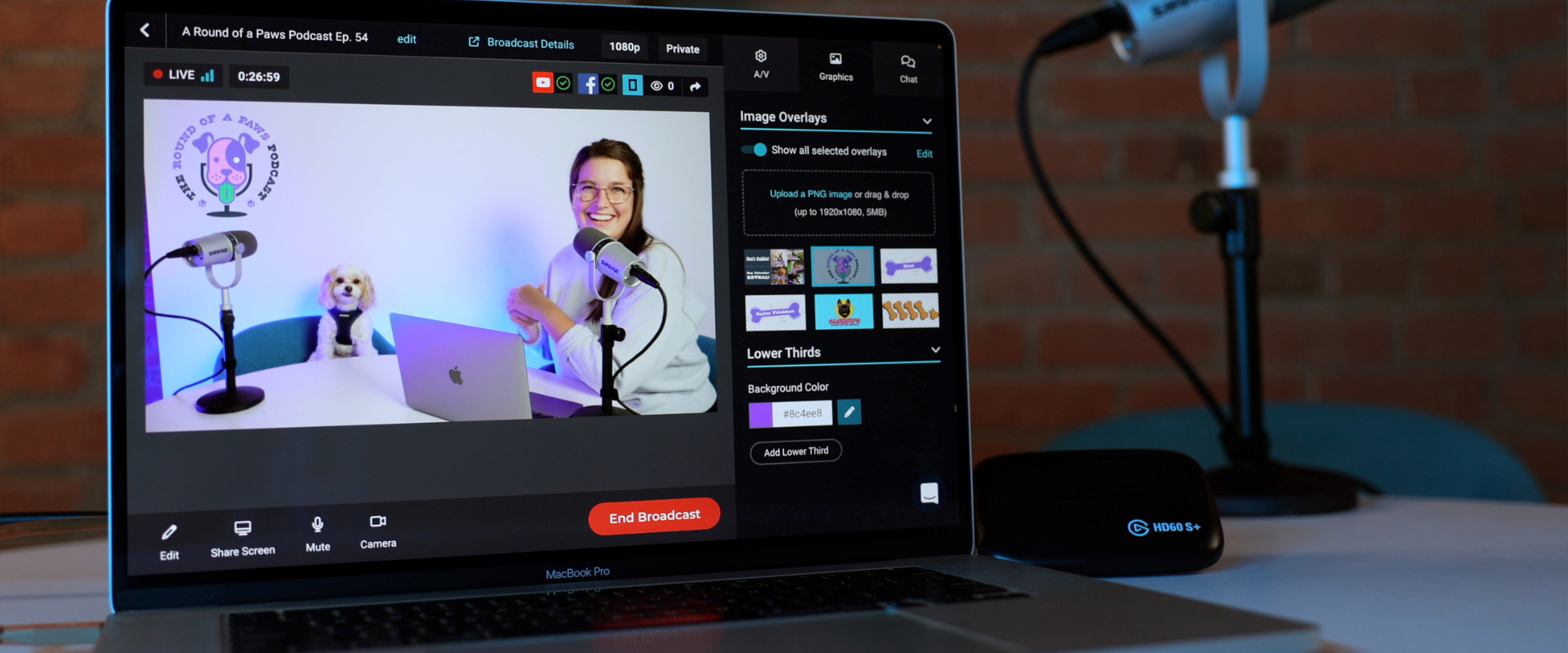
You're probably used to Zoom, Google Meet, or Teams for regular communication with coworkers or friends. Sometimes you log in from your desk. Other times you park your car and join from your phone. It might surprise you, but a good chunk of streaming solutions follow that exact same usability model.
Browser-based streaming lets you start a stream the same way you'd start a meeting, except you don't need anyone else on the call to make it worthwhile. You can share your screen, configure different layouts for how your camera shows up, and go live to multiple destinations at once. Some browser-based tools are built primarily for one-to-many broadcasting, while others let several presenters communicate in real time, almost like a video call that just happens to be public.
These tools tend to shine indoors, in a stationary setup, where presenters can see the screen and stay close enough to the device that their audio and video get picked up cleanly.
Beyond a laptop and a webcam, though, there's a whole category of mobile app streaming built for content that's spontaneous, and sometimes outdoors, in a pinch. In the church world, plenty of ministries use iOS streaming apps to broadcast Bible studies for people who can't make it in person. On the business side, teams use the same tools to go live from a conference exhibit hall or on the move at an outdoor event.
Both browser and phone streaming have a wide range of options out there, but we’ve built a couple of tools specifically to help you stream professional quality to unlimited viewers, backed by advanced protocols, features, and compression most competitors don't bother with.
For browser-based streaming that scales, check out Producer. For streaming on the go, check out the Broadcaster app for iOS. Streaming is as simple as tapping "Go Live," and you still get the full benefits of multi-destination streaming, event storage, and advanced analytics, so your events get ease and quality without sacrificing reach or on-demand viewing afterward.
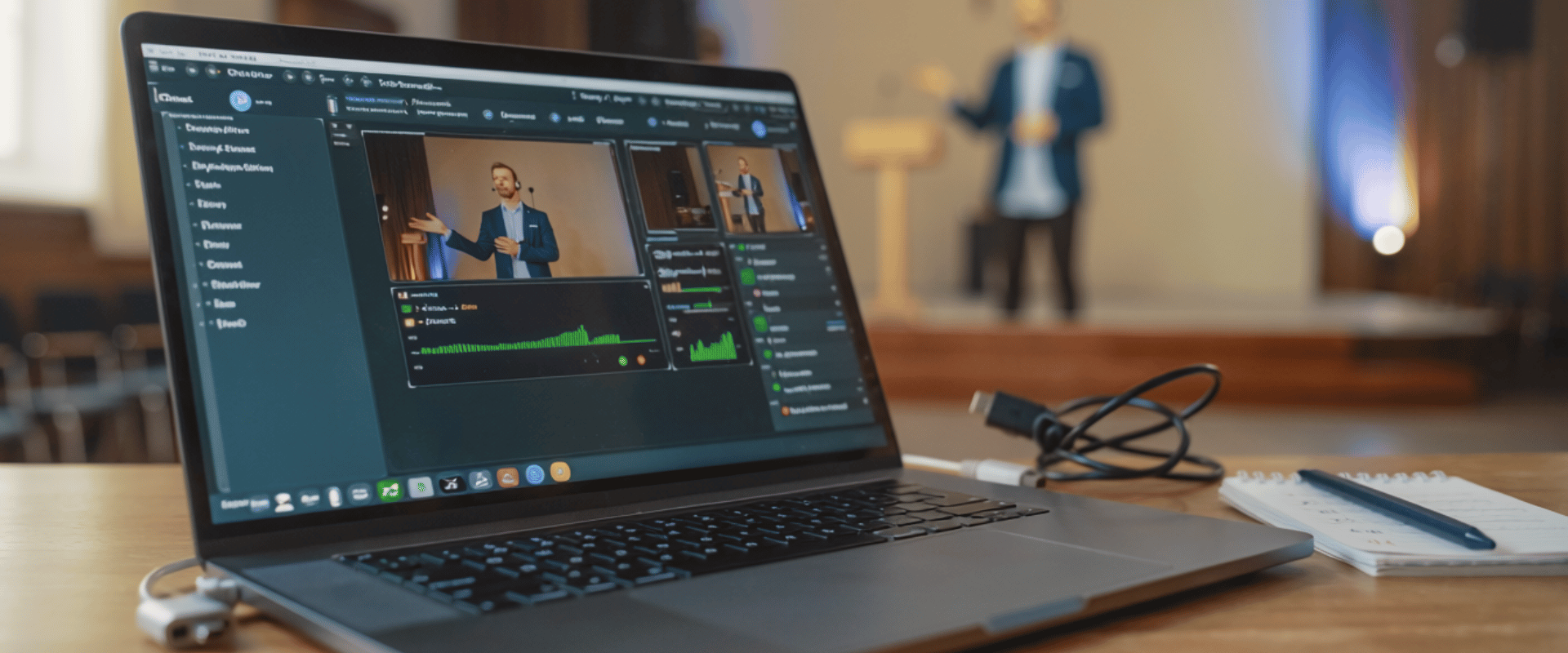
OBS is a free, open source streaming tool, and honestly, it lives in a bit of a gray area on whether it belongs on an "easy to use" list like this one.
On one hand, it's free to access, but it comes with a moderately steep learning curve, it needs extra equipment for more advanced audio configurations, it doesn't natively connect to a private company website, and there's no support team standing by if setup or troubleshooting goes sideways. That's a fairly long list of caveats for something billed as an easy solution. I get it.
That said, for the more naturally technical folks on your team, that learning curve might not feel as steep. And though OBS primarily connects to public destinations like YouTube or Facebook, it can be paired with a streaming provider to send your live stream to a private church or business website, complete with storage for later viewing.
Once OBS is configured and linked with a platform like BoxCast, you can actually manage most of your stream through a far more intuitive interface, like ours. And if the initial setup has you stuck, an onboarding team from your streaming provider can walk you through the confusing parts and get you from "OBS learning curve" to "easy platform" a lot faster than you'd manage alone.
It's not our top recommendation for the highest-quality streaming outcome on its own, but paired with a competent streaming platform, OBS can actually reduce complexity rather than add to it. We've watched thousands of our own customers make that exact jump successfully.
Can an organization pull off a great stream with browser-based tools, a mobile app, or open source software? Yes, absolutely. Is it guaranteed? That's where things get a little hand-wavy.
It can be done, but making a stream go from good to great means paying close attention to lighting, stabilizing your shot, and dialing in audio so small microphones and small cameras can punch above their weight class.
If you want the best shot at a stream that's both top quality and low stress, a professional live streaming service is far and away the right move. The two options above are solid, but this one plays in a different league. Think of the previous two as A-tier, and this one as S-tier.
A good streaming interface should be as simple as scheduling your event and clicking "Go Live." We built ours to go a step further with an autonomous streaming platform: enabling your encoder to turn on automatically, start broadcasting, and shut off automatically when you're done.
From there, you stream to your website, your app, your OTT app, and your social destinations without re-selecting these selections every time. If the internet drops, our streaming protocol automatically pulls your bitrate down just enough to keep the stream smooth until your connection recovers, instead of letting the whole broadcast fall over. On top of that, there's an automated scoreboard for sports broadcasts, easy ticketing for paid events, and simple password protection for private ones.
All of this adds up to streaming in 4K at 60 frames per second with a system that doesn't just run itself, it troubleshoots itself. And if a question does come up, a service like ours has a real support team on standby to help you sort it out quickly instead of leaving you to Google your way through it mid-broadcast.
At the end of the day, you get what you pay for. Onboarding, training, ongoing support, and a platform built to deliver the highest quality with the least amount of effort? That's the case for going pro, especially now that we're closer to 2030 than we are to 2020 and we’re evermore living in a video world.
If you're aiming for ultra-HD quality without needing a seasoned expert to pull it off, any of the three options above will get you there.
Streaming was never supposed to force a choice between quality and ease. In fact, finding balance between the two has been our ultimate mission since we started helping organizations broadcast back in the early 2010s. Since then, we've rolled out feature after feature to push quality forward while somehow also making the whole process easier to run.
So whether you stream from a phone, a laptop, open source software, or a dedicated streaming encoder, every one of those paths can get you to excellence and ease at the same time.
See which streaming setup fits your team, from browser-based to fully autonomous.