<img height="1" width="1" style="display:none" src="https://www.facebook.com/tr?id=1455318828112554&amp;ev=PageView&amp;noscript=1">
Log In
BoxCast_Streaming_Icon_Primary


BoxCast Streaming
Deliver flawless live video to any audience, anywhere

BoxCast Flow
Ensures smooth playback even on shaky networks

BoxCast Spark
Tap into hardware encoding that's compact and powerful

Broadcaster App
Go live straight from your phone or tablet with studio-quality control

BoxCast Producer
Create professional streams right from your browser

Third-Party Encoders
Use the gear you love with our support of RTMP and SRT

    BoxCast_RemoteMix_Icon_Primary


    BoxCast RemoteMix
    Control your digital mixer in real time from anywhere

    Compatible Mixers
    Connect your favorite digital mixer to BoxCast RemoteMix

    Mixing Station
    Professional mixer control app for desktop and mobile

    Works with BoxCast RemoteMix
    Certified products for real time remote control and monitoring

      BoxCast_OTT-Apps_Icon_Primary


      BoxCast OTT Apps
      Launch and monetize your own branded TV and mobile apps

          INDUSTRIES

          House of Worship
          Reach and engage your congregation wherever they worship

          Sports
          Stream games with professional quality for fans everywhere

          Local Government
          Bring transparency and connection to your community broadcasts

          Business
          Power your corporate events, webinars, and live streams


                  LEARN

                  Blog
                  Insights, trends, and tips for the audio/video community

                  Tech Tips
                  Quick how-tos and deep dives on the latest streaming technology

                  Guides
                  Essential tips and expert strategies to expand your reach

                  Newsletter
                  Stay up to date with product news, best practices, and more

                  Podcast
                  Hear stories and strategies from our customers and experts

                    DISCOVER

                    Customer Stories
                    Explore real-world success stories to inspire your organization

                    Webinars
                    Get all the details and register for our next live webinar

                    Events
                    Join us at an upcoming conference and meet with our team


                          Live Streaming by Industry

                          How to Live Video Stream Amazing Outdoor Events

                          This post talks about how to ensure a great broadcast when you decide to stream outdoor events whether a wedding, a concert, or a festival. It's part of our series on live streaming events.

                          You’ve got indoor live video streaming down. You’ve mastered the sound, established where to put the cameras for the best shots, and determined when to switch angles for the best effect.

                          But can you take it outdoors?

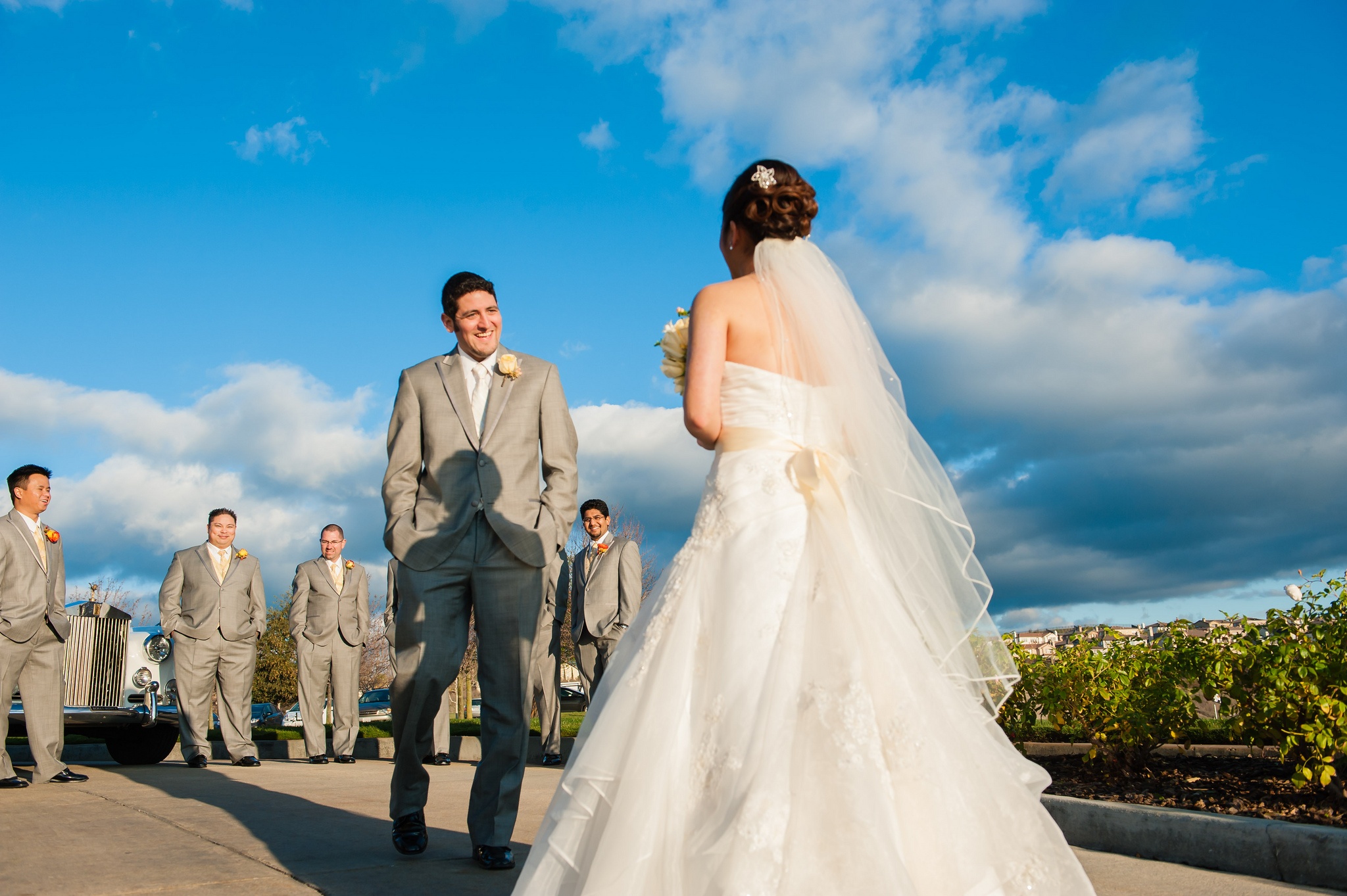
                          In the summer, your organization might host various outdoor activities you want to stream: a wedding, a concert, or a festival. This poses a whole new set of challenges for your crew. Pulling it off will require some planning and maybe even a rehearsal or two.

                          Below are the challenges you might face and tips on how to overcome them.

                          Internet Connection

                          A glade in the forest might be a beautiful setting for a wedding, but it’s probably got poor Wi-Fi (if any at all). To live video stream, you’ll need to be connected to the internet, wired or through Wi-Fi. Wired is preferable, as it provides a more reliable connection and can be done as easily as plugging a long Ethernet cable into your encoder (like the BoxCaster or BoxCaster Pro). If that’s not practical, you’ll need to go wireless with Wi-Fi.

                          Don’t trust whatever public Wi-Fi network you can access. Set up your own dedicated access point, which can be done a number of ways. Whichever setup you choose, it’s important to test upload and download speeds ahead of time to make sure they’re adequate. You can do this for free at here.

                          Read more: What Upload Speed do I Need to Live Stream?


                          Sunlight

                          Once you move outdoors, there are a number of things out of your control when. Direct sunlight and glare can ruin a stream and even damage equipment. Position the cameras so that you’re not shooting into the sun and be mindful of the natural light exposures.

                          Noise

                          Background noise you barely notice in person can absolutely ruin a live stream. Try to set up away from any noise sources and invest in windsocks, pieces of foam that cover a mic and reduce unwanted noise.

                          Power

                          Bring lots of long, weatherproof extension cords if you’re plugging into an outlet. If you’re relying on batteries, make sure everything (cameras, mics, laptops) is fully charged beforehand. And always bring extra batteries.

                          Final Thoughts + Further Reading

                          This has been just a quick summary of the problems posed by streaming outdoors.

                          Note: Even if you successfully navigate all these challenges before the stream starts, it's always smart to have someone watch the stream online as it's going and check in with you to report any problems. Here's more on live streaming events.

                          Image Source: Thai Chu via Flickr