



|
BoxCast Streaming BoxCast Flow BoxCast Spark Broadcaster App BoxCast Producer Third-Party Encoders |

|
BoxCast RemoteMix Compatible Mixers Mixing Station Works with BoxCast RemoteMix |

|
BoxCast OTT Apps |
|
|
BoxCast Streaming BoxCast Flow BoxCast Spark Broadcaster App BoxCast Producer Third-Party Encoders |
|
|
BoxCast RemoteMix Compatible Mixers Mixing Station Works with BoxCast RemoteMix |
|
|
BoxCast OTT Apps |
Live Streaming by Industry, Featured Government
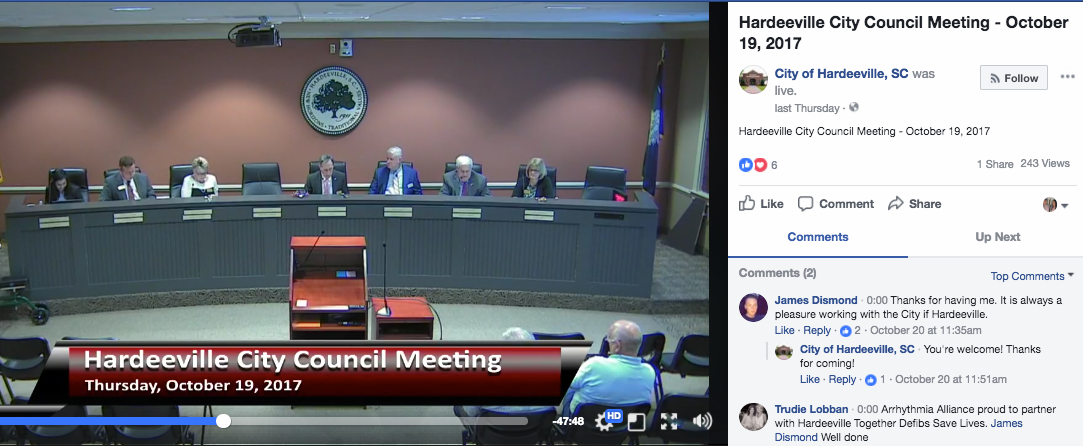
Streaming council meetings on your website is a great start to public meeting transparency. However, as more and more platforms announce the ability to stream live video, you may be wondering how to take advantage. The good news is you don’t have to create separate streams for those locations. Instead, you can use an easy technique called simulcasting.
Simulcasting is the ability to send one stream to multiple locations, in fact, to a limitless number of locations. In this article, we’ll look look at how simulcasting works on the BoxCast platform.
If you are still trying to figure out whether or not your local government should be streaming to places like Facebook Live and YouTube Live, you might want to check out this, this, or this.
On the BoxCast dashboard, simulcasting is easy. With direct integrations with YouTube Live and Facebook Live you can stream to those locations in the click of a button.
With BoxCast, you can stream to any streaming destination that will take an RTMP feed. To set up a stream to another location, simply jump onto that platform and grab the “server URL” and the “stream key.” When you set up your BoxCast broadcast, click “other RTMP” as the destination and input those fields. Learn how to broadcast live to Twitter here.
Streaming to multiple platforms can be a great way to maximize your viewership and reach audiences everywhere. With BoxCast, the process is easy. To find out more about what you should be looking for in a live streaming service for your local government, check out our Buyer's Guide to Live Video Streaming for Local Government.