



|
BoxCast Streaming BoxCast Flow BoxCast Spark Broadcaster App BoxCast Producer Third-Party Encoders |

|
BoxCast RemoteMix Compatible Mixers Mixing Station Works with BoxCast RemoteMix |

|
BoxCast OTT Apps |
|
|
BoxCast Streaming BoxCast Flow BoxCast Spark Broadcaster App BoxCast Producer Third-Party Encoders |
|
|
BoxCast RemoteMix Compatible Mixers Mixing Station Works with BoxCast RemoteMix |
|
|
BoxCast OTT Apps |
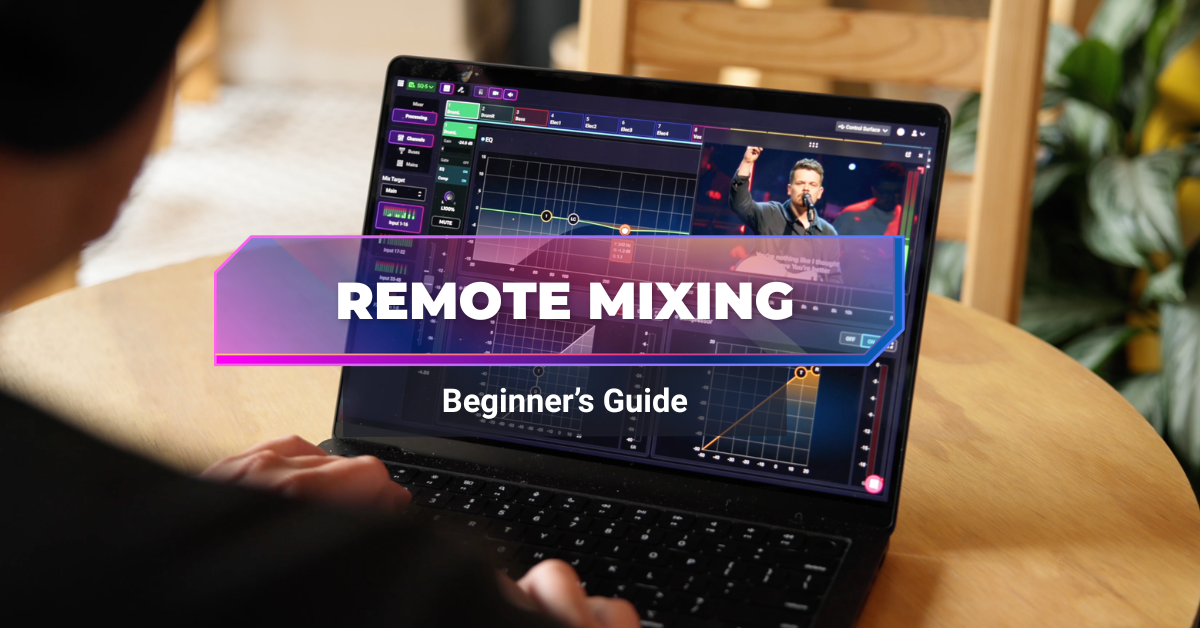
Remote work was the new kid on the block in 2020, but now that we're past halfway through the decade, it's clear that remote is here to stay.
Depending on whether you're an introvert or extrovert, that can either be great news or terrible news. For me, it’s not such a bad thing.
In the world of church, though remote isn’t really a thing, a more relevant word to consider moving forward is hybrid.
Most ministry still happens in person, but it doesn't only happen in person anymore. Many churches have evolved from simply having a website to offering mobile apps, online campuses, and even OTT apps that sit on the same TVs as Netflix and Disney+.
The point is this: real church ministry now happens both in person and online. Hybrid.
That means there's more to configure, more technology to manage, and also more opportunities to improve the experience for people wherever they're joining from.
One of the newest workflows beginning to gain traction in this modern ecosystem is remote audio mixing.
Instead of requiring every audio engineer to be physically sitting behind the sound booth, churches can now have a volunteer or professional securely connect to the audio console from another room, another building, or even another city and mix the service in real time.
In this guide, we'll explain why churches are beginning to adopt remote audio mixing, what equipment you'll need, how the software works, and what a typical workflow looks like.
The Benefits of Remotely Mixing Church Audio
The Equipment Needed
The Software Needed
The Process + Workflow
Final Thoughts
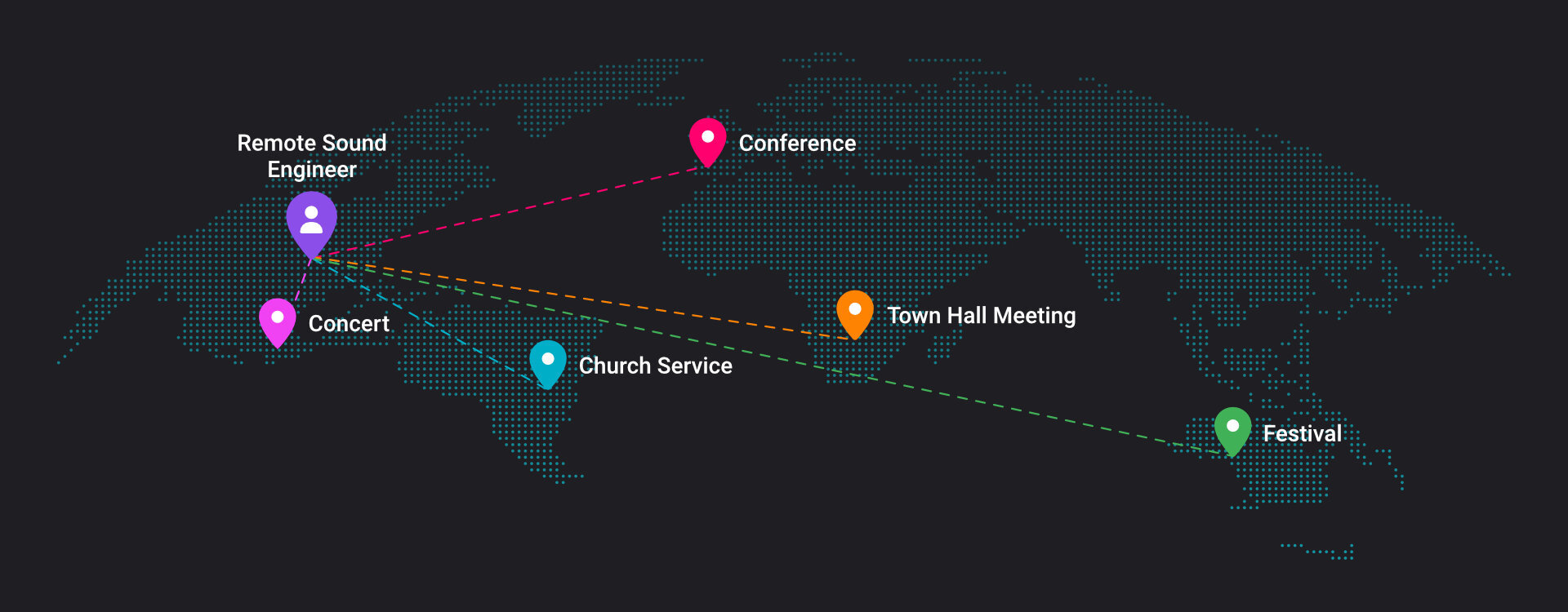
Remote audio mixing is still relatively new, but more churches are beginning to adopt it because it solves several real world problems.
One of the biggest advantages is flexibility.
Instead of hiring a freelance audio engineer and paying for travel expenses, you can work with someone regardless of where they live. That opens the door to specialists who may never have been available to your church before.
It also creates more opportunities for volunteers.
If someone is feeling under the weather, gets snowed in, or simply can't make it to the building, they may still be able to serve by mixing remotely. Obviously there are times when someone should simply rest, but remote access can remove many of the logistical barriers that normally keep volunteers from helping, especially if they’re homebound for a season.
Another benefit is the listening environment.
Church sound booths are often located inside loud sanctuaries where conversations, room reflections, and congregation noise make it difficult to hear exactly what your online audience is hearing. Remote engineers can instead work from a quiet environment using quality headphones or studio monitors, allowing them to focus on creating the best possible live stream mix while they hear only what their online listeners are hearing.
Many churches also separate their front of house mix from their broadcast mix.
The room and the live stream have different needs. People sitting in the sanctuary hear drums, guitars, and the congregation naturally. Online viewers hear only what's coming through the console. Having someone dedicated to the house mix and someone else focused on the live stream mix often results in a much better experience for people worshipping in both environments, rather than having one person trying to manage two entirely different mixes at the same time.
Finally, remote mixing makes it easier to support multiple campuses.
An experienced engineer can monitor several church locations at once, check audio quality, troubleshoot issues, and even jump in to make adjustments when something goes wrong. Think of it as support for all campuses to ensure that key moments come across perfect at every location.
Now, overall, these 5 applications aren't the only benefits of remote audio mixing within your ministry. They are, though, some of the biggest reasons churches are beginning to adopt remote audio workflows.
The good news is that many churches already own the most important piece of equipment for the task at hand: a digital audio mixer.
Unlike traditional analog consoles, digital mixers are designed to be controlled from a distance. Most manufacturers already offer apps that let someone walk around the room with a tablet while adjusting the mix.
Remote audio mixing builds upon this connectivity and simply extends it beyond the walls of the church, or any venue for that matter.
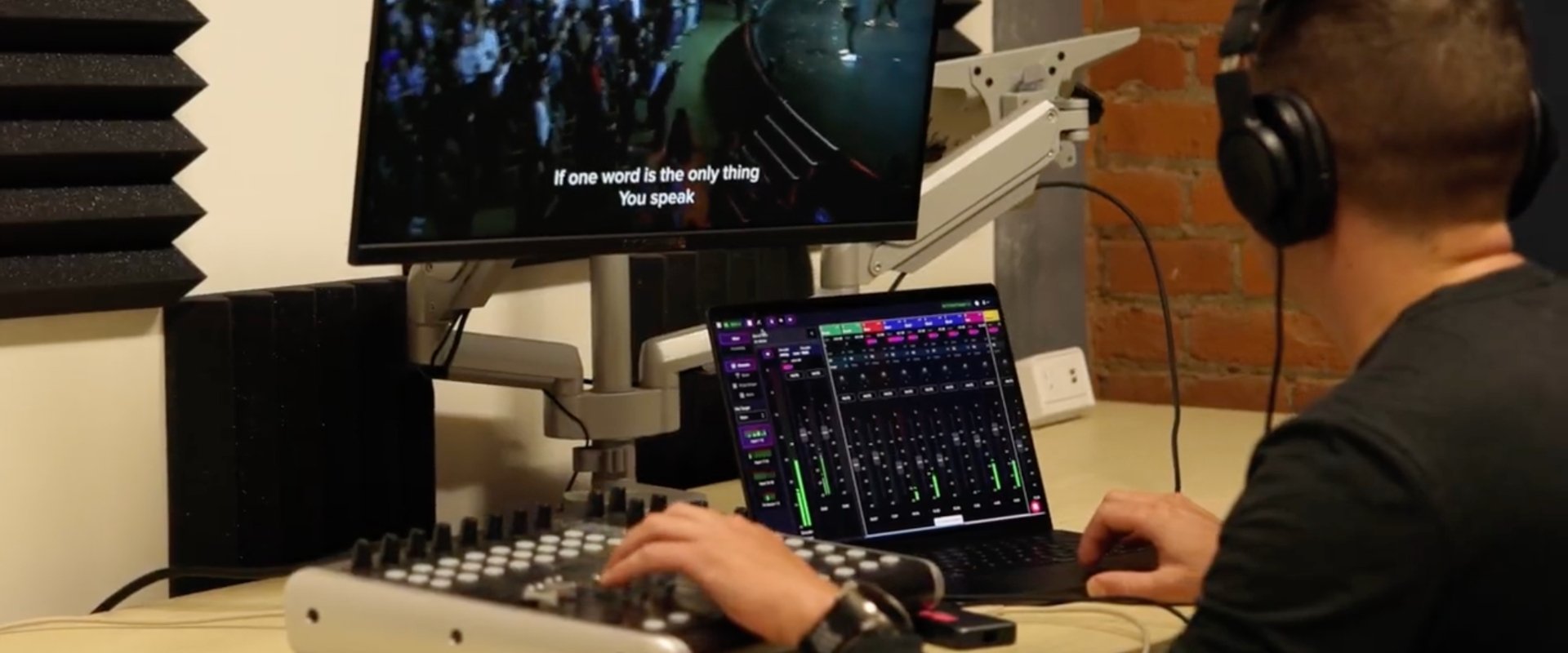
For control, you'll want to dedicate a computer or tablet for whoever is doing the mixing.
Technically, you can control many mixers from a phone, but I wouldn't recommend it for regular production. Modern digital consoles have dozens of channels, buses, effects, and processing controls. Having a larger screen makes it much easier to see everything at once and work efficiently. Personally, I'd recommend using a laptop whenever possible, but that’s just my personal preference.
If you prefer physical controls instead of using only a mouse or trackpad, you can also add a compact DAW control surface like the Behringer X Touch. It's completely optional, but some engineers appreciate having physical faders while mixing remotely.
Remote audio mixing is still a relatively new category, so there aren't many solutions built specifically for it, yet.
One of the leaders, however, is BoxCast RemoteMix.
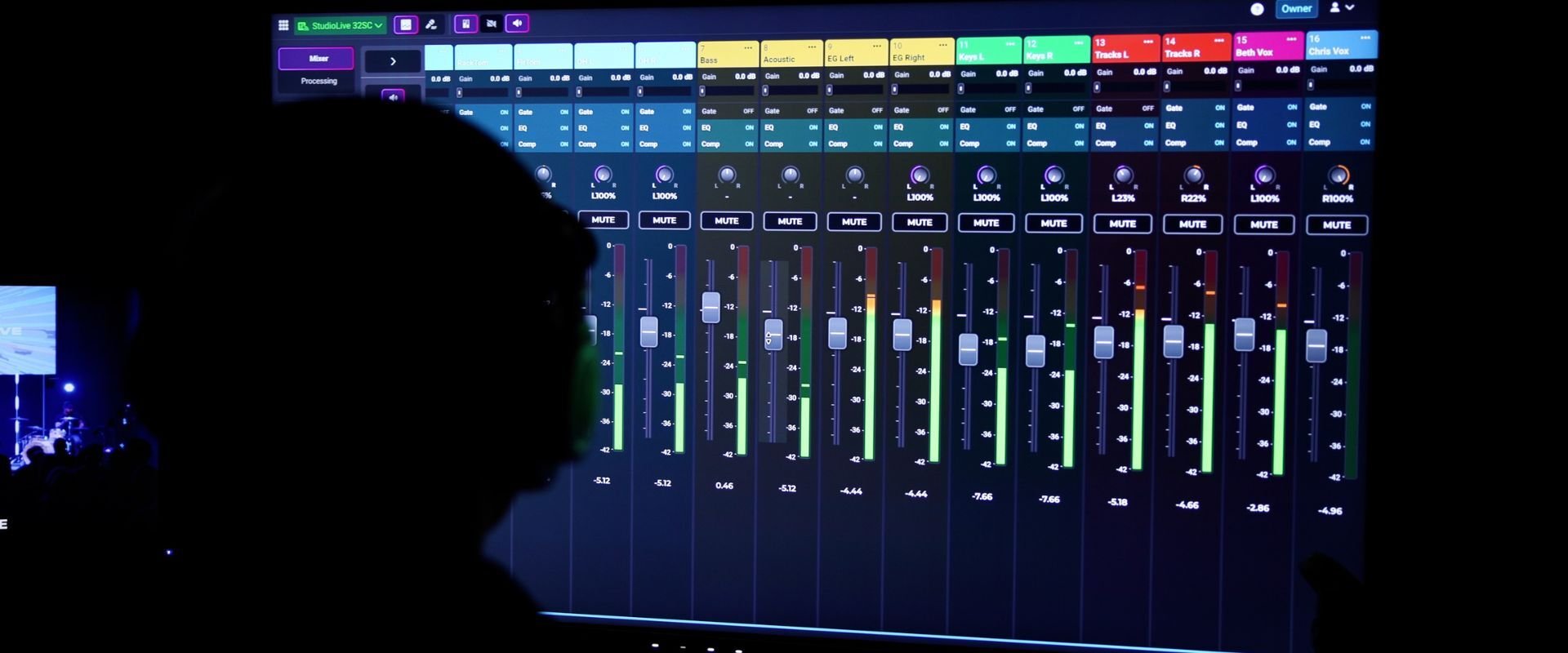
Building on the popular Mixing Station software that many churches and other professional venues already use locally, BoxCast RemoteMix extends those controls securely over the internet.
Instead of only controlling your mixer while connected to the local network, you can securely access it remotely through a web browser.
Along with full mixer control, BoxCast RemoteMix enables remote modifications to be made by providing live video and audio feeds so you can see what's happening on stage while monitoring the service. The preview isn't what controls the mixer. It's simply there so you can confidently make adjustments while watching and listening to the service in real time, even if you’re not in the building to hear it in person.
Whether you're mixing the entire console, just your front of house mix, or only your live stream bus, the software gives you the flexibility to decide what mixes you’ll be making changes to.
Perhaps the best part is the price.
Compared to hiring additional staff or traveling to another campus every weekend, remote mixing software is remarkably affordable. At the time of writing, BoxCast RemoteMix starts at less than $100 per year or $19 per month.
Once everything is configured, remote mixing is surprisingly straightforward.
The initial setup is a one time process.
First, create your BoxCast RemoteMix account and download the Agent software onto a computer that will remain at your church.
Next, connect that computer to the same local network as your digital mixer using Ethernet whenever possible for maximum reliability.
Inside the Agent software, select the audio source you'll use for confidence monitoring and choose a camera for your video preview. To hook these up, think of it like connecting audio and video to a zoom call, it's the same process. You’ll need a way to input the audio and video with something like a capture card.
From there, authorize the Agent with your BoxCast RemoteMix account. Inside the web dashboard, create a new connection, select your Agent, and choose your mixer's manufacturer and model.
The software will scan your local network, locate your mixer, and let you finish configuring the connection. You'll give it a name, choose the appropriate access permissions, and save everything.
After that, the setup is complete.
For every future service, simply log into BoxCast RemoteMix from your laptop, select the mixer you'd like to control, and begin mixing.
Many churches choose to dedicate the remote engineer to the live stream mix while another volunteer handles front of house in the sanctuary. That's generally the workflow I'd recommend because the in person engineer can hear exactly how the room sounds, while the remote engineer can focus entirely on what online viewers are hearing.
Of course, every church is different. Some churches may choose to remotely control the entire console, while others may only remotely monitor and make adjustments when needed.
The important thing is that once the system is configured, remote mixing becomes just another part of your Sunday workflow. Open your browser, connect to your mixer, monitor the service, and mix just like you would if you were sitting in the booth.
Remote audio mixing may sound like futuristic technology, but it's quickly becoming another realistic and practical tool for churches of any size.
The equipment requirements are minimal.
The software is affordable.
The user experience is intuitive for both professionals and volunteers.
Most importantly, it can dramatically improve the audio quality of your stream by allowing someone to focus entirely on the people watching online, which is real ministry.
While many churches will continue mixing front of house from inside the sanctuary, remote audio mixing gives you the flexibility to support volunteers, work with experts from anywhere, and even oversee multiple campuses from a single location.
As churches continue embracing hybrid ministry, don't be surprised if remote audio mixing becomes just as common as remote video production has become today.
Ready to try remote audio mixing?
Learn how BoxCast RemoteMix lets you securely control your church's digital mixer from anywhere, monitor live video and audio, and create better sounding worship services without adding unnecessary complexity.


