



|
BoxCast Streaming BoxCast Flow BoxCast Spark Broadcaster App BoxCast Producer Third-Party Encoders |

|
BoxCast RemoteMix Compatible Mixers Mixing Station Works with BoxCast RemoteMix |

|
BoxCast OTT Apps |
|
|
BoxCast Streaming BoxCast Flow BoxCast Spark Broadcaster App BoxCast Producer Third-Party Encoders |
|
|
BoxCast RemoteMix Compatible Mixers Mixing Station Works with BoxCast RemoteMix |
|
|
BoxCast OTT Apps |
Broadcasting, How To Live Stream
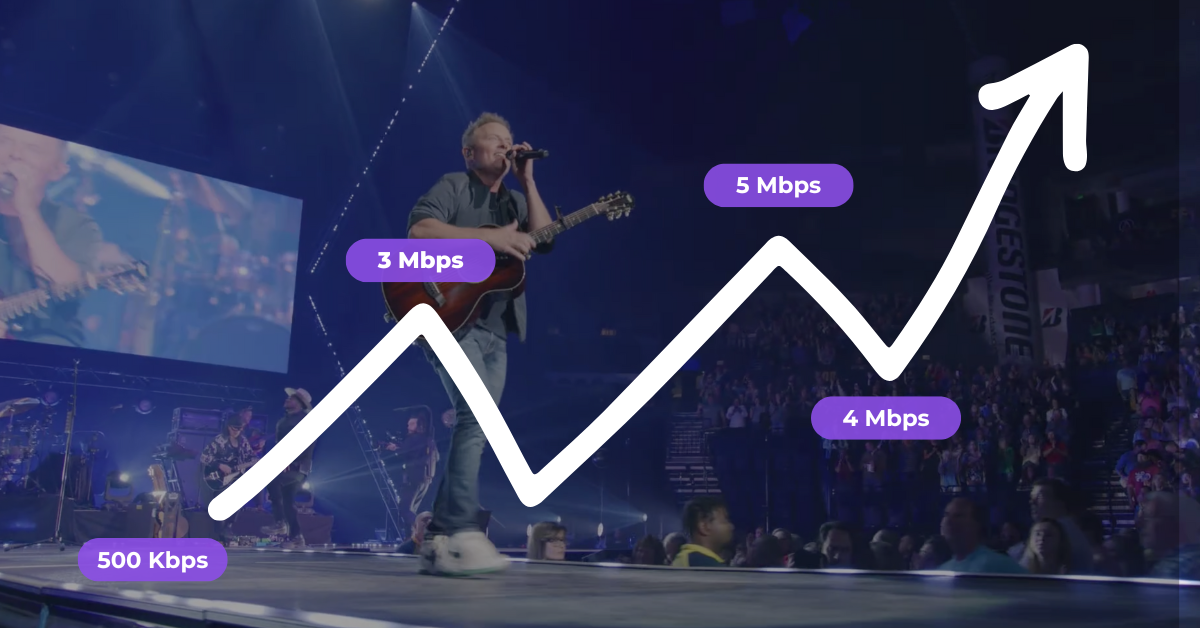
Variable Bitrate encoding is big in content creation and is widely used when people export content for all kinds of online work. But is it optimal for live video streaming? In this blog, we'll dive into what VBR is, what its alternative CBR is, and whether there's a better solution that helps you output the best quality live stream.
What is VBR? Advantages + Disadvantages
What is CBR? Advantages + Disadvantages
An Alternative Strategy
Variable Bitrate is first and foremost an encoding method. It converts raw data into a digital format so the receiving system can understand and use it. It can be used outside the world of video and audio, but we'll focus on how it applies to live streaming in this blog.

The key value of VBR is right in the name: it’s variable. It changes how much data it sends based on what the content needs. From a video standpoint, that means a simple static scene, like a speaker standing behind a podium for 45 minutes, uses far less data than a 45 minute athletic stream with players sprinting across the field towards a soccer ball or hockey puck moving nonstop. Put differently, simple scenes use fewer bits of data and complex scenes use more bits to maintain quality.
These adjustments can happen in a few ways: either via 1-pass or 2-pass. In the 1-pass method, VBR encodes the video once and makes quick real time decisions about how much data to send. In the 2-pass method, VBR analyzes the video first to understand the complexity, then makes a second pass to allocate a custom bitrate that matches the exact needs of the file.
Regardless of which method is used, the main advantages of VBR relate to storage and bandwidth. When portions of a file require fewer bits, the overall bandwidth needed goes down. When the file size drops, storage becomes less expensive.
But VBR has a drawback in some contexts, and live streaming is one of them. Since VBR regularly changes the bitrate of the video sent, those fluctuations become a major challenge when viewers are watching that data in real time. Frequent jumping between low and high bitrates is hard for a live stream to handle.
The reason is straightforward: once a stream settles at a lower bitrate and is suddenly asked to jump to double that amount, data can be lost. Lost data often leads to buffering or degraded quality on the viewer’s end. If that happens every few minutes during an hour-long broadcast, viewers will likely get frustrated and leave the stream long before the event ends.
So if VBR isn’t ideal for live streaming, is there another rate control option that avoids the downsides of constant bitrate swings?
So if live streams don't like constant fluctuation, what about a strategy that keeps things steady so the broadcast can settle in, stay consistent, and send a smooth flow of data with little to no loss? That's what Constant Bitrate attempts to do. It follows the opposite philosophy of VBR.
Its strengths are simple. No matter what, it tries to send the same amount of data down to the individual bit. More data usually means a more detailed and better looking picture without sudden drops in quality. File sizes get bigger and the bandwidth requirements go up, but for streaming, that trade off is usually acceptable.
CBR has its own downside. Even though it tends to provide a more stable viewer experience, it's still not perfect for live streaming because networks are never perfect. When the network dips, CBR still tries to send a higher bitrate than the current internet speed can handle. That mismatch leads to long buffers or noticeable visual artifacts for viewers.
So what now? VBR is too volatile for streaming and CBR is too demanding for the imperfect networks most people stream on. Do live broadcasters really need to pick their poison, or is there an alternate strategy that offers a better way to move data?
VBR isn’t ideal for live streaming because it regularly adjusts the amount of data being sent, which is difficult for a live stream to keep up with in real time. CBR isn’t ideal because it keeps sending the same rate of data even when the network can’t support it without packet loss. Both strategies often lead to buffering for viewers, which is a cardinal sin of live video.
With all of this in mind, if live streaming is so tricky, what is there to do about it? You want to send the highest quality your network can support, you want to adapt when the network shifts, and you want your viewers to experience a flawless stream without buffering. VBR and CBR weren’t really built to help you do all three at once.
That’s why we built BoxCast Flow, a transport protocol designed specifically for live streaming reliability.
Data will almost always get lost at some point while streaming. Flow uses Forward Error Correction to prevent some losses without resending any data. It also uses a hybrid mix of UDP and TCP style retransmission so that if a packet does go missing, the stream can recover it without interrupting playback or compromising quality. This lets you send the highest quality video your encoder can produce while still protecting it from packet loss.
If your network begins to struggle, Flow automatically adjusts the bitrate you are sending to match what the connection can realistically support. You can think of it as similar in spirit to VBR, but Flow reacts to the health of the network rather than the complexity of the video. Flow also lets you choose your latency anywhere between two seconds and ninety seconds, which gives you headroom for retransmission if you expect challenging network conditions.
Once your stream reaches BoxCast’s cloud, it is transcoded into multiple output qualities. This is where adaptive bitrate playback comes in. Viewers receive a ladder of quality options, and their device automatically selects the level that matches their network or device conditions. They can move up or down as their connection changes, which helps them experience smooth, high quality playback on any device.
To learn more about BoxCast Flow and all of the advantages that it brings to live broadcasting, check it out here.


